BC615 Installation and User Manual 31
Define the “Card + PIN” security level
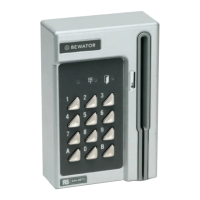
1 Set the card reader to programming mode.
2 Press A36. z
3 Enter the number of the time schedule to control the “Card + PIN”
security level. Use two digits, e.g. 01 for time schedule 1.
4 Press B to leave programming mode.
To remove a time schedule from this security level, enter 00 in step 3
instead.
Define the “Toggle” security level
1 Set the card reader to programming mode.
2 Press A37. z
3 Enter the number of the time schedule to control the “Toggle”
security level. Use two digits, e.g. 01 for time schedule 1.
4 Press B to leave programming mode.
To remove a time schedule from this security level, enter 00 in step 3
instead.


 To Next Page