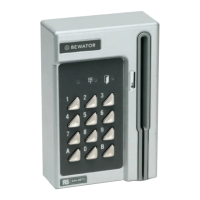
42 BC615 Installation and User Manual
Erase the memory
When the card reader’s memory is erased, the default settings are
restored (see below).
1 Set the card reader to programming mode.
2 Open the card reader with the key supplied. The lock is located on
the underside of the card reader.
3 Press and hold the SW1 button (see the wiring diagram on page
16) until a rising tone is heard.
4 Press 112186.
5 Press 112186 one more time.
All previously data have now been erased. The card reader reverts to
the following settings:
• Password: 112233
• Common code: None
• Opening time: 7 seconds
• Door held warning time: 30 seconds
• Card parameters: Position 9-16, the last 8 positions if fewer than
16 positions.
• Time zone 01: 00.00 – 23.59, day types 1-7
• Time schedule 01: time zone 01


 To Next Page