EasyManua.ls Logo

Bewator Bewacard BC615 - Programming Overview

Bewator Bewacard BC615
64 pages
Print Icon
To Next Page IconTo Next Page
To Previous Page IconTo Previous Page
Loading...
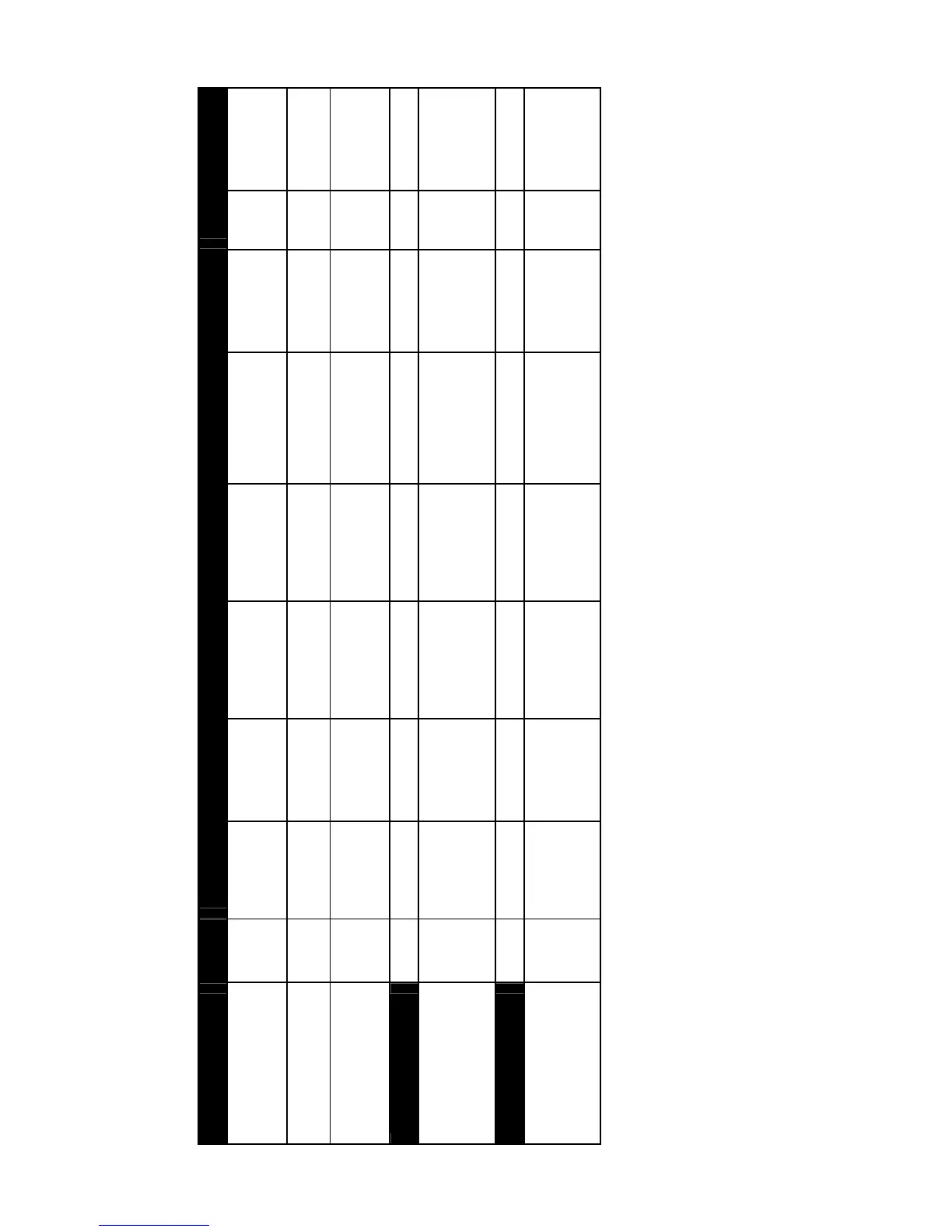
Programming overview
Startup Step 1 Step 2 Step 3 Step 4 Step 5 Step 6 Step 7 Step 8 Step 9
Set password Open
BC615
Press the
SW1 button
Enter a 6-
digit
password
Set BC615 to
programming mode
Press
B
Enter
password
Set time and date Enter
progr.
mode
Press A23 Enter current
date
(YYMMDD)
Enter current
day type (1-7)
Enter current
time (HHMM)
Time zones
Program time zones Enter
progr.
mode
Press A31 Enter time
zone no
Enter start time
for 1
st
interval
(HHMM)
Enter stop time
for 1
st
interval
(HHMM)
Enter start time
for 2
nd
interval
(HHMM) or press
A to skip
Enter stop
time for 2
nd
interval
(HHMM)
Enter
day
type/s
(1-8)
Press B to
end input and
enter new
time zone
Time schedules
Program time schedules Enter
progr.
mode
Press A32 Enter time
schedule no
Enter time zone
no/s included
Press B to end
input and enter
new time
schedule

Table of Contents

Related product manuals