Set up
51
english
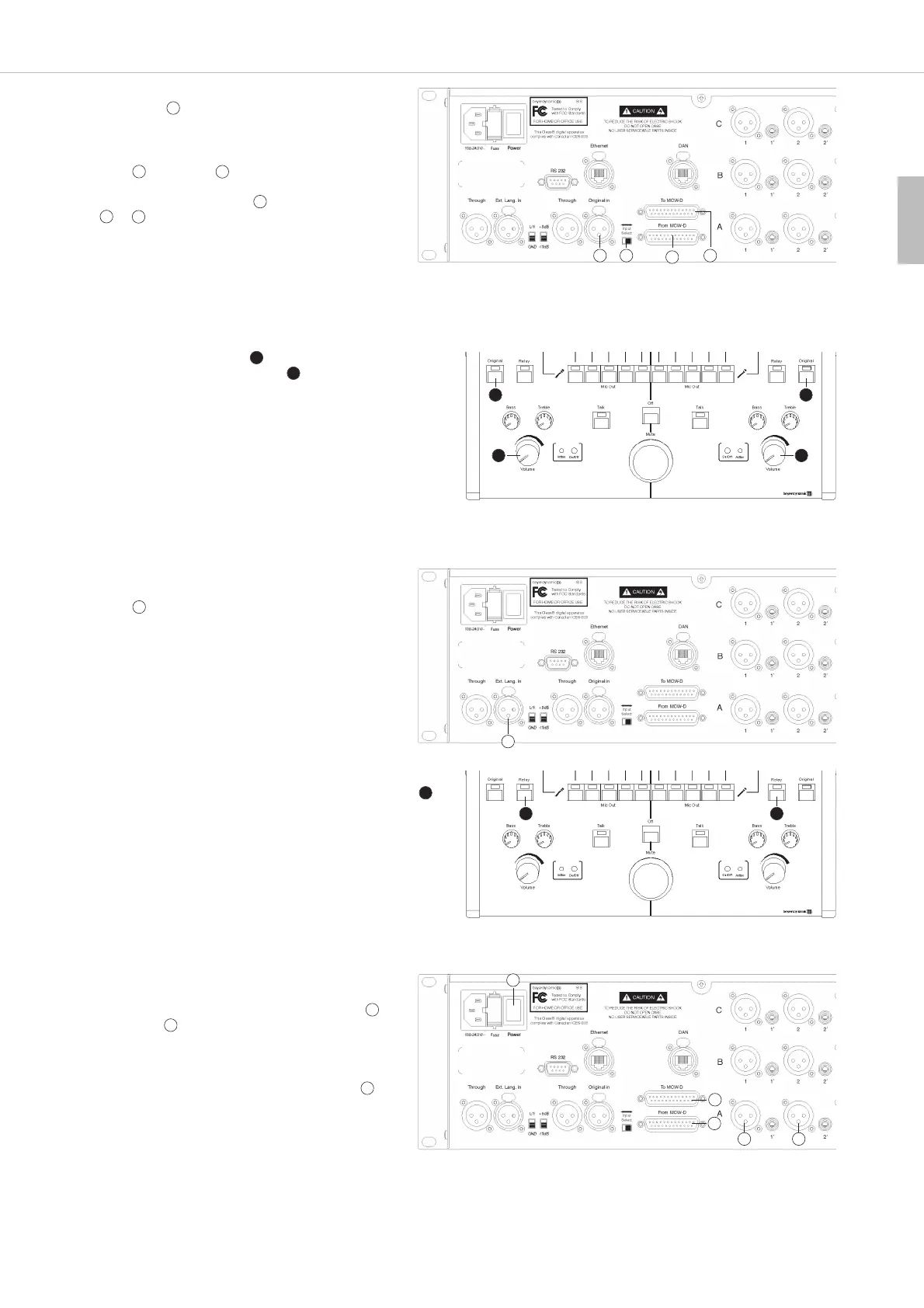
• Press the “Original” button of the interpreter station and
turn up slowly the volume control . Now the original
language should be heard via headphone, if it is spoken.
• If an external relay language is used, connect it to the
input . If an internal language is used as relay
language this input remains vacant.
• Adjust the relay language/s as described under “How to set the
Relay Language” (page 37) and press the “Relay” button .
Now the relay language should be heard via headphone, if it is
spoken. If the relay language is not spoken, the original language
is heard automatically.
• If the interpreter system is used with a discussion system
such as MCW-D 200 from beyerdynamic, connect the
control unit of the discussion system to the input
and output of the SIS control unit.
• If the interpreter system is used with a tour guide
system such as TTS 300 from beyerdynamic, connect
the stationary CT 316 transmitter to the outputs of
the SIS control unit.
8
8
11
11
8
11
16
16
9
6
9
9 9
9
6 6
19
10
10
• Connect the audio signal of the original language to the
control unit .
• If you use a discussion system from beyerdynamic such
as MCW-D connect the MCW-D control unit to the
input and output of the SIS control unit by using
two CA 3125 cables.
• With the changeover switch select which input
or is to be activated.
11 1013
11
11
10
13
9
9
9
EarPatron EarPatron
EarPatron EarPatron



 To Next Page