Chapter 4. Basic Operations 29
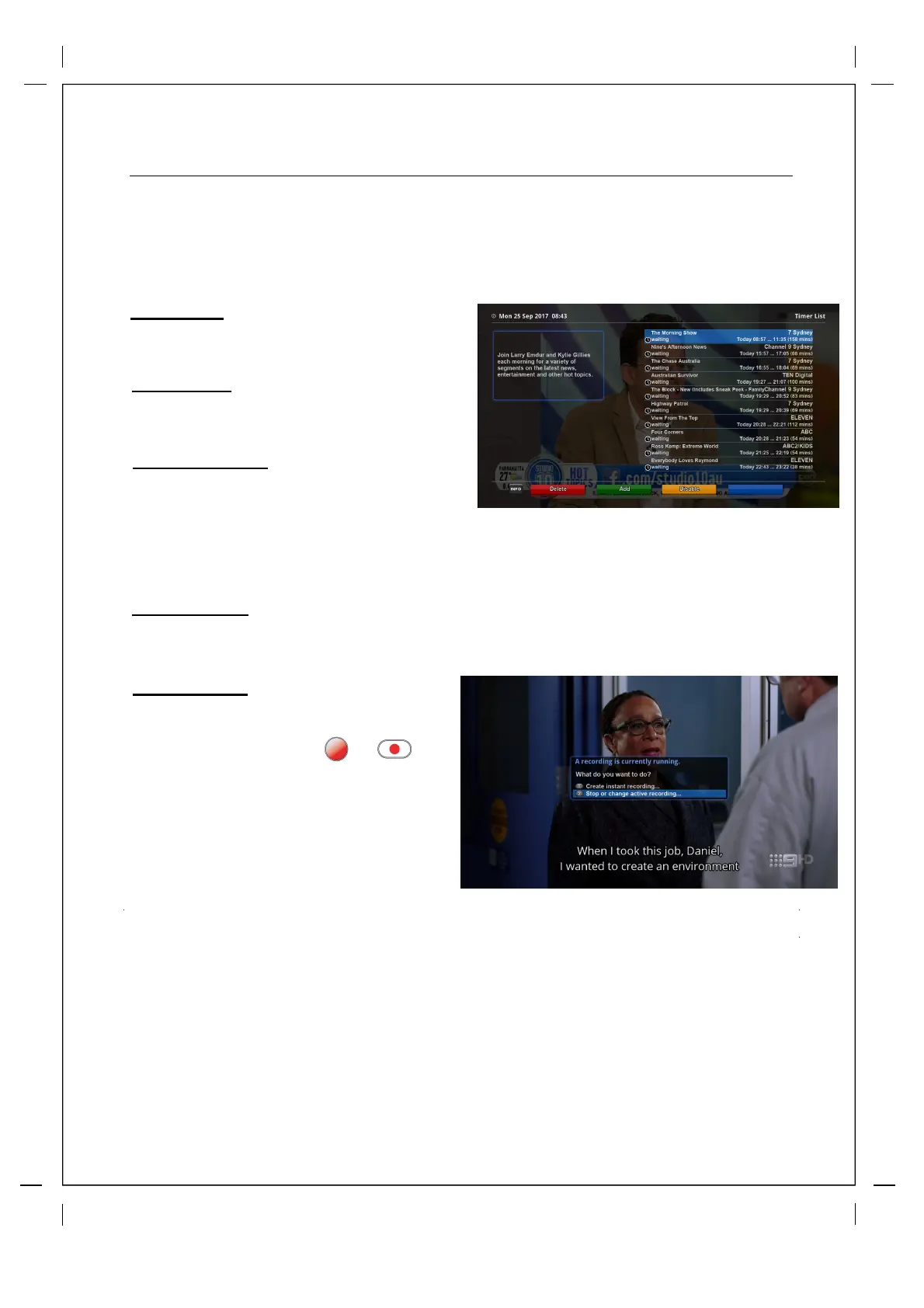
RED (Delete)
This option is used to delete a timer.
GREEN (Add)
This option is used to add a timer.
YELLOW (Disable)
This option is used to disable the timer and X
mark will appear.
NOTE: if you want to enable the disabled timer, press YELLOW again.
In this menu, color keys are assigned for each different function.
BLUE (Cleanup)
This option is used to remove those finished timers from the Timer list.
Stop Recording
How to use > Press RED or
‘Stop Recording’
If you want to stop recording, press RED
again while recording is running. Select
Stop Recording.



 To Next Page