Chapter 5. System Configuration 32
Chapter 5.
System Configuration
Beyonwiz V2 is a very sophisticated device designed to allow users a variety of system
setting options that go into a huge amount of detail. You can fine-tune your Beyonwiz V2 to
be your OWN system to fit your taste. This chapter will guide you through the basic menu
system configuration. Prior to System Configuration, please take some time to get to know
the menu structure of Beyonwiz V2 first.
5.1 Main Menu
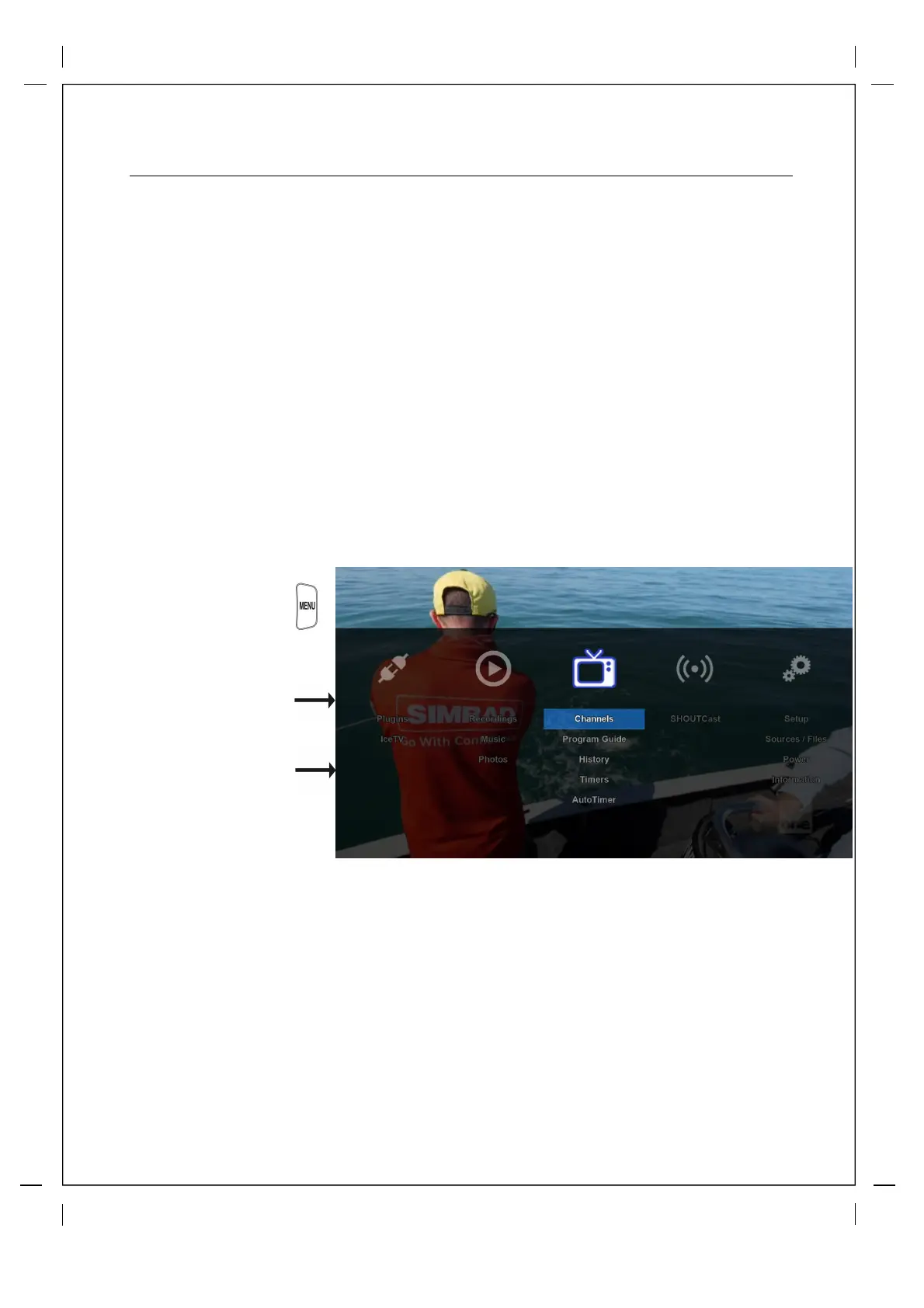
How to use > Press
Navigation
Scroll using left/right arrows
on your remote and press 'ok'
to enter the highlighted menu
The items below the main menu
bar are shortcuts, you can
access those by your up/down
arrows on your remote and
then pressing 'ok'
Menu Items (From Left to Right)
Plugins: This is where you will find your installed plugins and will also be able to download, install or
delete plugins.
Channels: Access channels list, EPG, Zap History and your saved Timers
Internet: Your Internet plugins such as Shoutcast
Setup: This is the main menu to access all your system and customization settings. (more details below)



 To Next Page