Chapter 4. Basic Operations 30
4.11 Recording Playback
How to use >
Press 'Media'
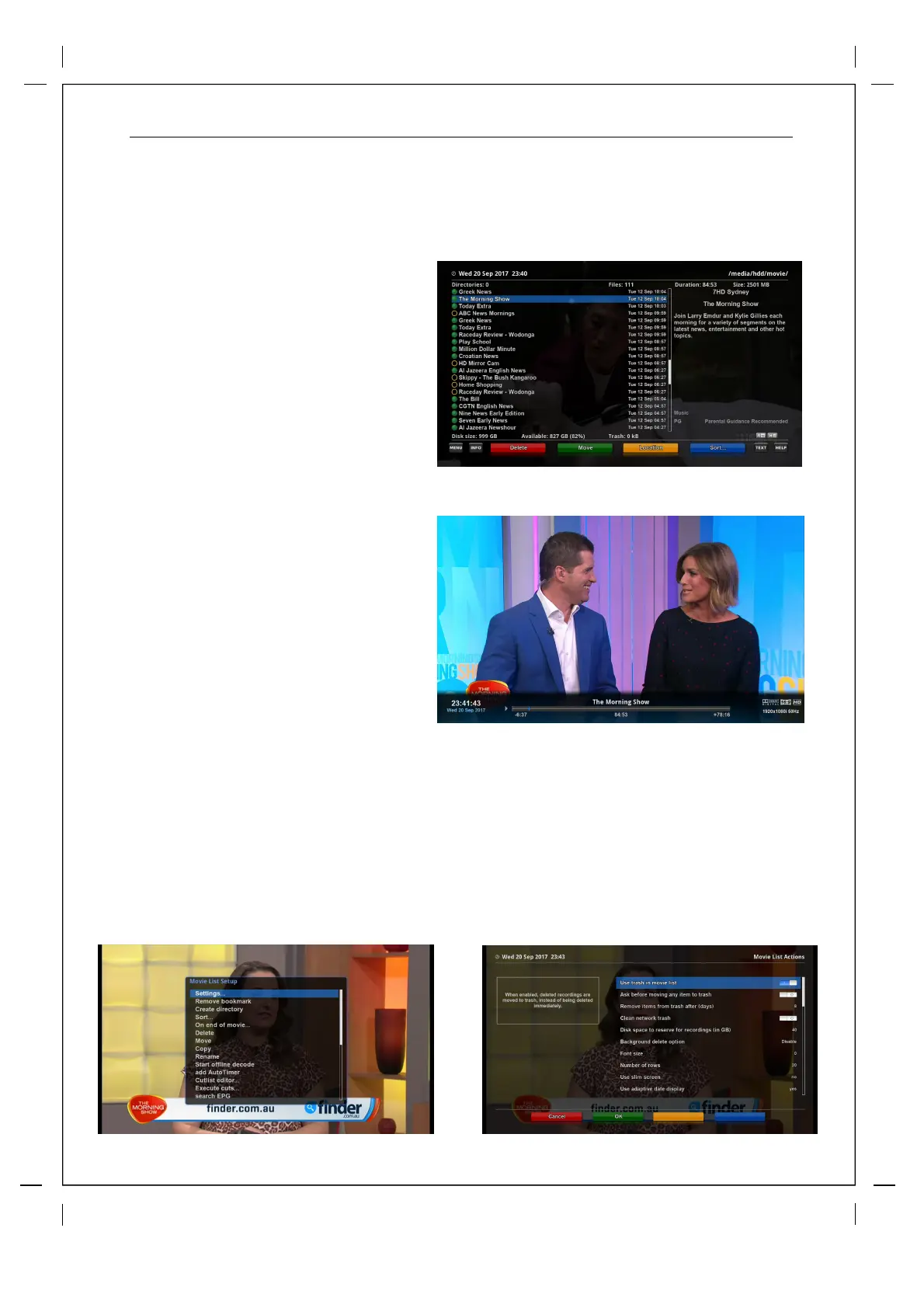
You can view recorded files on the
Recorded files menu. Press Filelist to
activate this menu.
Select the file that you want to play. It
will instantly replay the file and display
the recording infobar. The info bar can
be called upon at any time during the
recordings by pressing the "OK" button
on the remote.
This infobar gives
you the followi
ng
information of the recording.
① Title of the recording
② Total duration of recording
③ Remaining time
④ Progressive bar
⑤ Elapsed time
Recordings list Options
While in your recording list you can press the menu for extended options and settings.
Here you can sort, move or even edit your recordings.
If you click on Setting you will access the movie list actions settings where you can fully customize
your recoding list and features.



 To Next Page