Chapter 4. Basic Operations 28
4.10 Recording
Beyonwiz V2 is a Personal Video Recorder with 1 integrated Dual tuner. You can
record multiple programs at the same time. There are three ways to operate and
manage recordings.
2 Instant Recording
How to use > Press
or
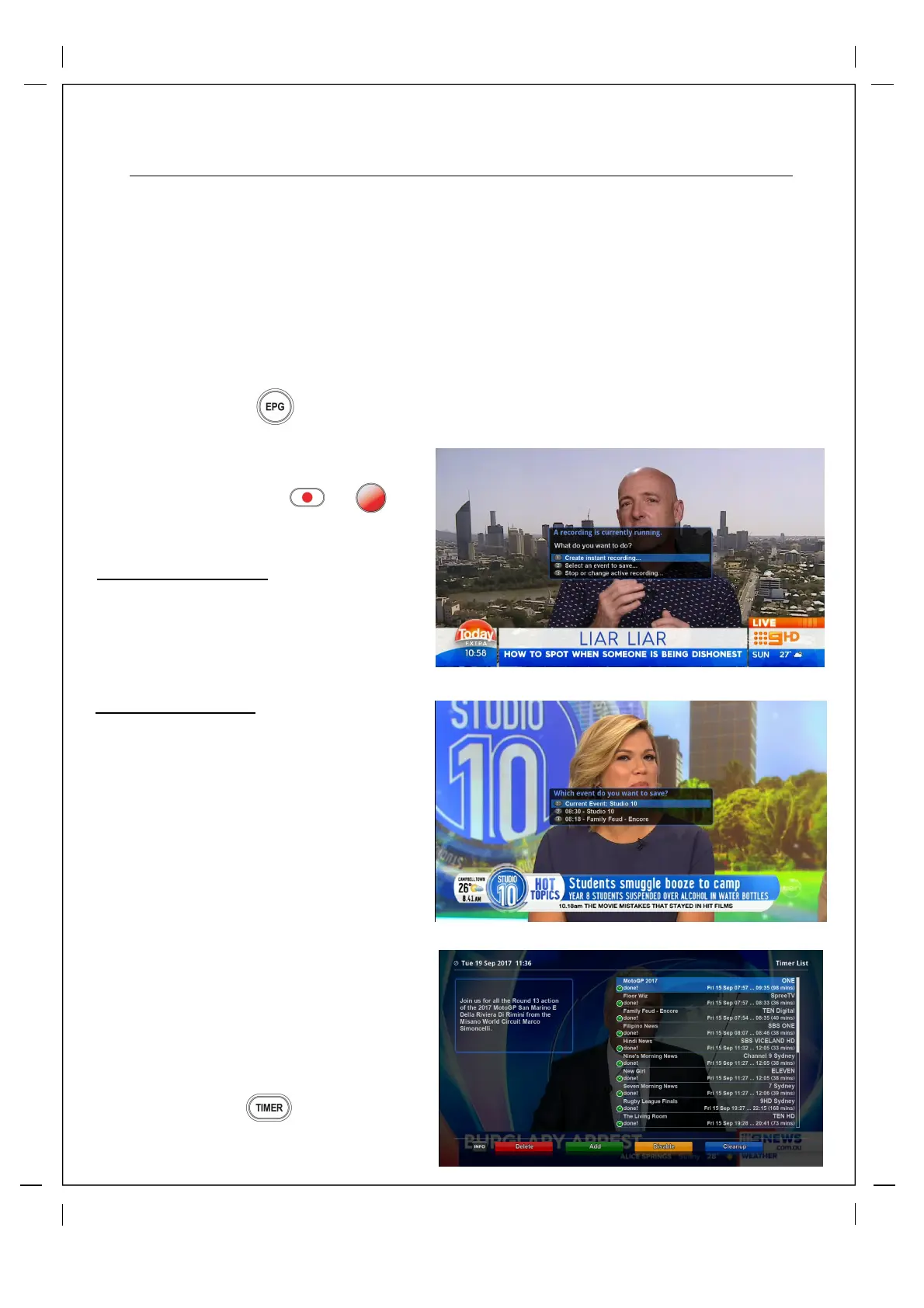
Three recording options are given.
Create instant recording...
This option is used when you want to
create a recording straight away on the
current channel, in the next screen you
can customise start and stop times, by default
it will have the stop time set to record to the
end of the current program.
Select and event to save
This option will be visible when you have a
timeshift buffer. If you have been on a channel
for a few hours you can choose
this option and save one of the programs that
has been on earlier in the day, it will save the
show in your recordings list.
Stop or change active recording
This option will only be visable if you have
an active recording running. When
selected you can stop the recording or
change the duration.
2 Recording by Timer
How to use > Press
You can manage all your record timers
here.
1 EPG Recording
How to use > Press
(See Page 26)



 To Next Page