HR MANUAL INSTALLATION
Manual version 4.1 (26-07-2018)
en-33
en
Calibrate the extract fan:
1. Set the unit to ‘manual’ and to ventilate
K via the home
screen of the b-touch control panel.
2. In the b-touch control panel, open the fu
nction
menu
> Maintenance > Calibrate air volume.
3. Enter the PIN code and press .
4. Calibrate the extract fan:
c Adjust the highest speed (3) maximally to the
capacity of the unit (2500/3500/4500 m3/h).
For cooling with a cooling module use 500 m
3
/h less
(2000/3000 m
3
/h).
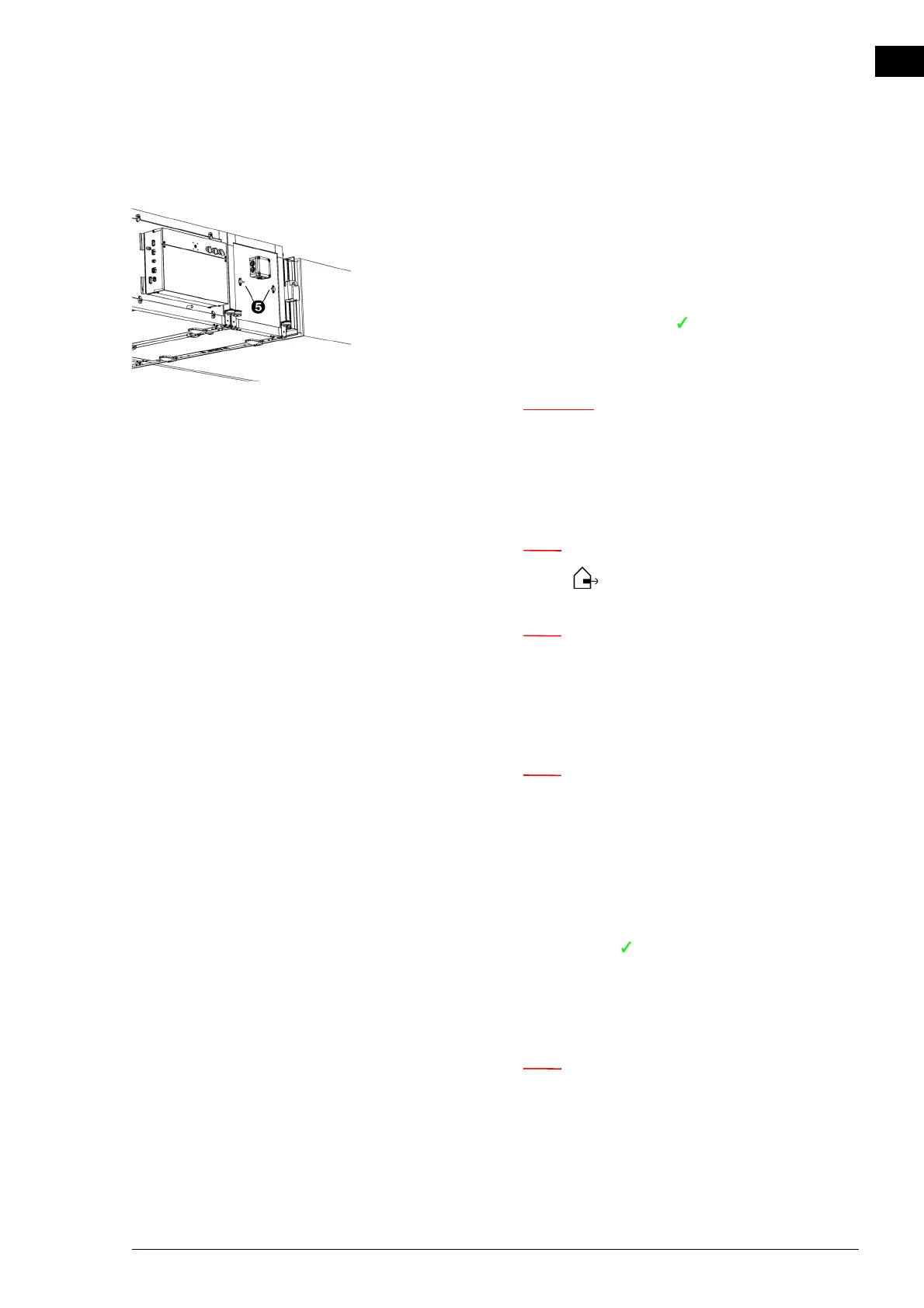
n Use the pressure difference meter over the extract
fan 5 .
n Use the chart to establish which pressure difference
gives the required flow rate.
Make sure to use the curve for the unit type that is
being used. (See type plate.)
n Always set all three settings. Even if you only want to
change one setting.
- Set all and any connected ventilation units to the set-
ting appropriate to setting 1 (low) of the HR unit.
- Set the desired flow rate for setting 1 (low) by adjust-
ing the percentage until the appropriate pressure differ-
ence is reached.
- Store by pressing .
- In the same way, set the desired flow rate for setting
2
(medium) and setting 3
(high).
- Check if all speeds are set correctly.
n Note the flow that is used for fan speed 3 of the
extract fan. This will be used later to calibrate the
pressure switch.



 To Next Page