KB 23 / KB 23-UL (E3.1) 02/2019 page 36/87
In addition to the green LED (3d) indicating a running program, the LED (3a) is lit if the heating is active,
or LED (3b) if the refrigeration is active, or none of both if the actual temperature equals the set-point.
During program course the arrow keys and the EXIT button are not functional.
By pressing the program key for 3 seconds, you can terminate the program course.
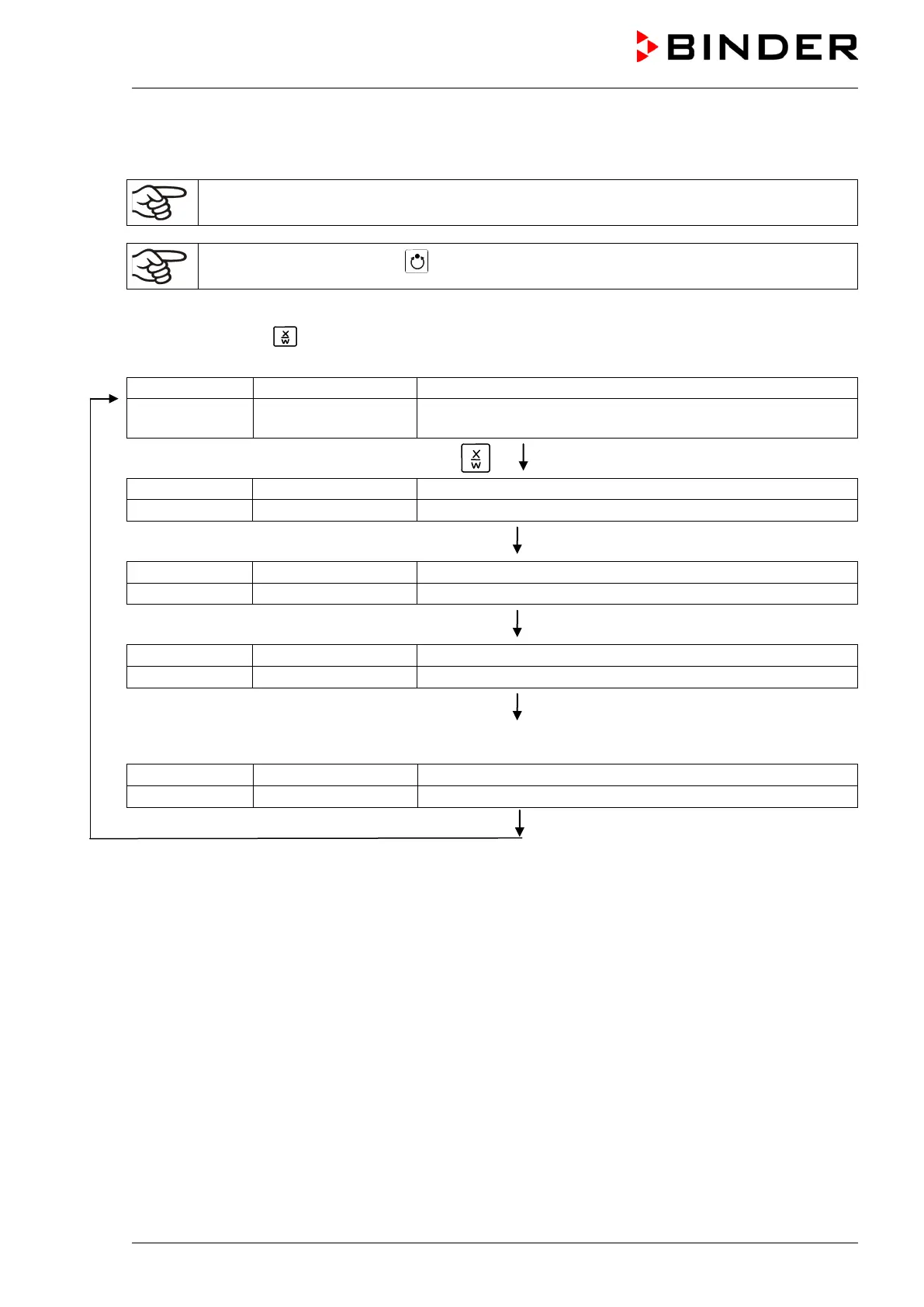
If you press button during program course, the entered set-points of the actually running program
section are shown one after the other for 5 sec. each:
(actual temperature value)
P01:S03 02:07:12
(actual program P01, actual section S03, and remaining time
of program section S03)
Press key
(actual temperature set-point 1)
5 seconds
(actual temperature set-point 2)
(no function during program operation)
5 seconds
(actual fan speed setting)
5 seconds
Only with option zero-voltage relay outputs via operation lines (chap. 16.4):
(actual setting of operation lines)
After program rundown (and, if appropriate, of the program repeats) the controller returns to fixed value
operation showing Normal Display and adjusting to the temperature and fan speed values that have been
previously entered in the fixed value entry mode.






 To Next Page