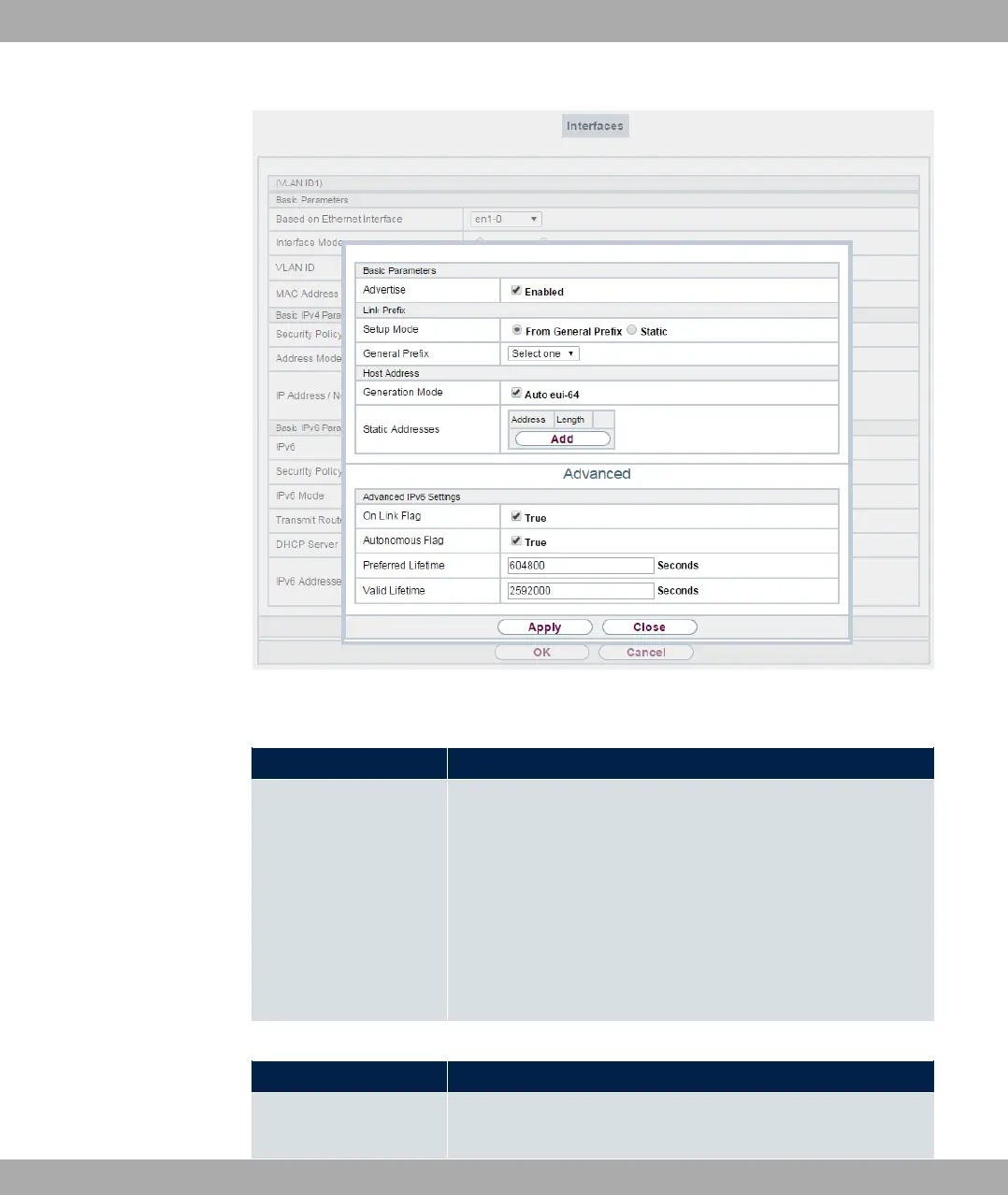
Fig. 57: LAN->IP Configuration->Interfaces->New->Add
Fields in the Basic Parameters menu.
Field Description
Advertise
Only for IPv6 Mode = A * A 3
!
Here you can determine if the prefix being defined in the current
window is propagated per Router Advertisement over the selec-
ted interface.
The function is activated by selecting "1 .
The function is enabled by default.
Fields in the Link Prefix menu.
Field Description
Setup Mode
Select in which way the Link Prefix is to be determined.
bintec elmeg GmbH
7 LAN
bintec RS Series 141



 To Next Page