with different providers.
• Session-based load balancing is achieved.
• Related (dependent) sessions are always routed over the same interface.
• A decision on distribution is only made for outgoing sessions.
A list of all configured load balancing groups is displayed in the Networking->Load Balan-
cing->Load Balancing Groups menu. You can click the icon next to any list entry to
go to an overview of the basic parameters that affect this group.
Note
Note that the interfaces that are combined into a load balancing group must have
routes with the same metric. If necessary, go to the Networking->Routes menu and
check the entries there.
10.4.1.1 New
Choose the New button to create additional groups.
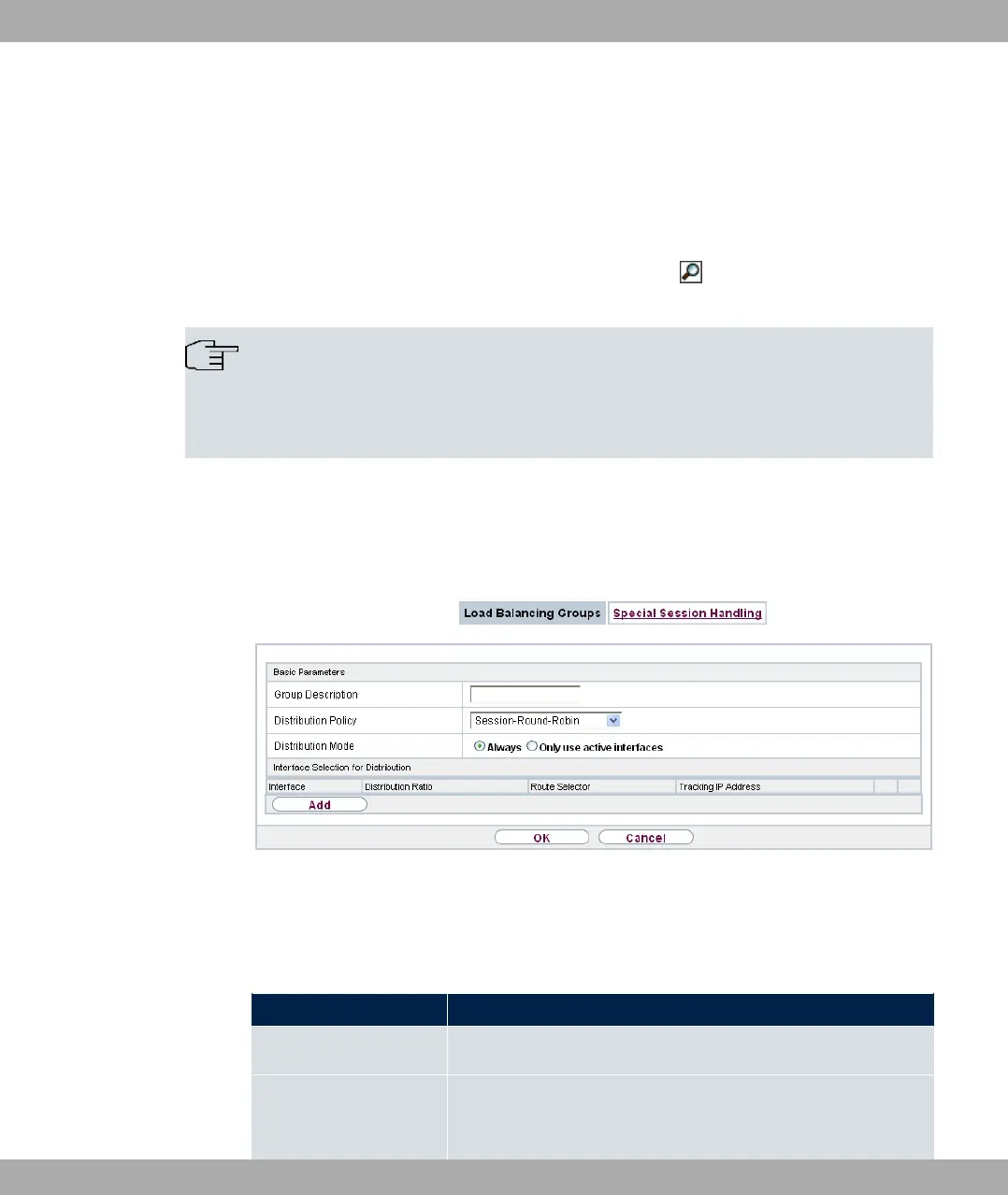
Fig. 101: Networking->Load Balancing->Load Balancing Groups->New
The menu Networking->Load Balancing->Load Balancing Groups->New consists of the
following fields:
Fields in the Basic Parameters menu.
Field Description
Group Description Enter the desired description of the interface group.
Distribution Policy Select the way the data traffic is to be distributed to the inter-
faces configured for the group.
bintec elmeg GmbH
10 Networking
bintec RS Series 249



 To Next Page