14.4.1.1 New
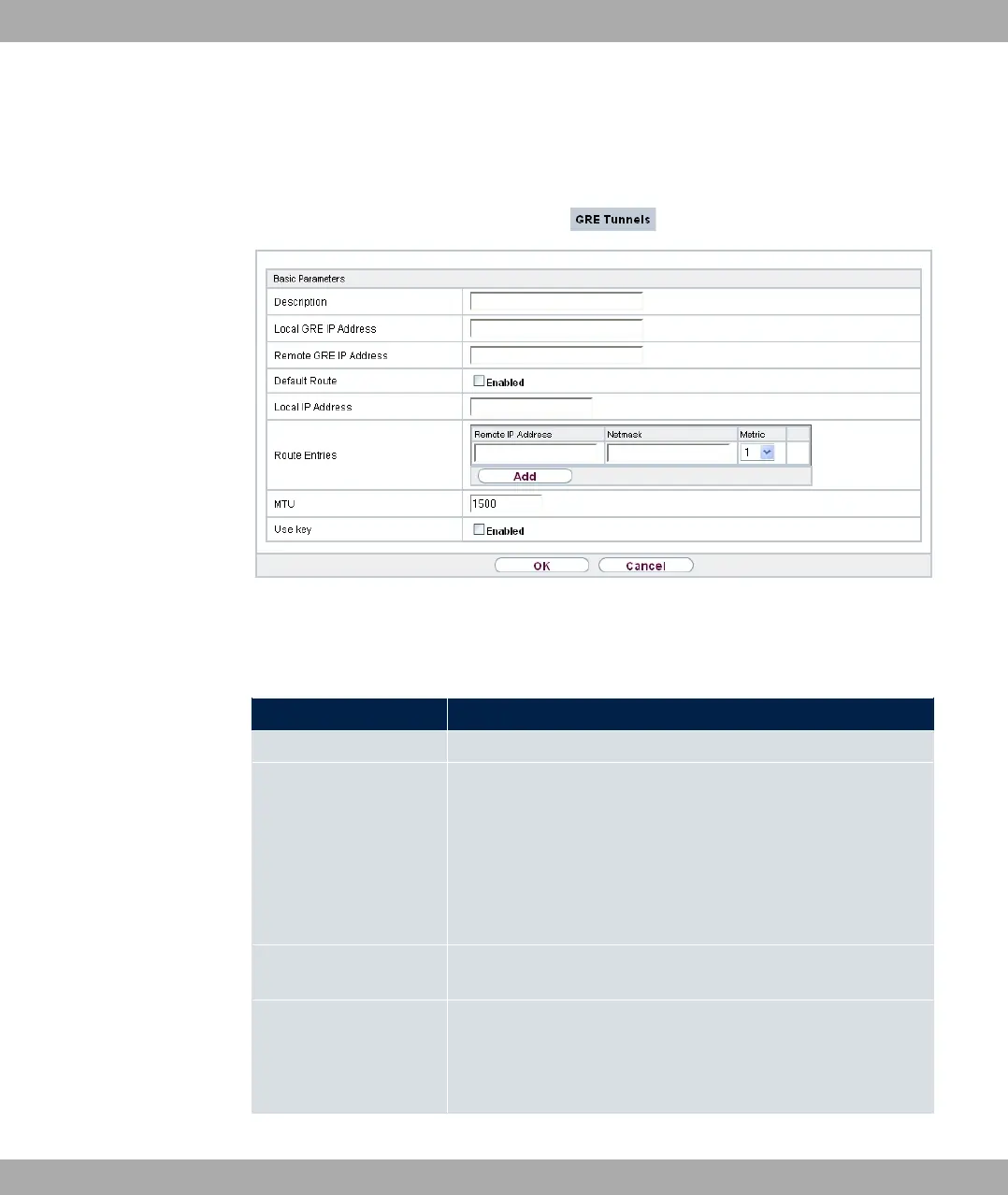
Choose the New button to set up new GRE tunnels.
Fig. 150: VPN->GRE->GRE Tunnels->New
The VPN->GRE->GRE Tunnels->New menu consists of the following fields:
Fields in the Basic Parameters menu.
Field Description
Description Enter a description for the GRE tunnel.
Local GRE IP Address
Enter the source IP address of the GRE packets to the GRE
partner.
If no IP address is given (this corresponds to IP address
0.0.0.0), the source IP address of the GRE packets is selected
automatically from one of the addresses of the interface via
which the GRE partner is reached.
Remote GRE IP Ad-
dress
Enter the target IP address of the GRE packets to the GRE
partner.
Default Route
If you enable the Default Route, all data is automatically routed
to one connection.
The function is disabled by default.
bintec elmeg GmbH
14 VPN
bintec RS Series 413



 To Next Page