User’s Manual of LifePro Thermal Cycler Connection to computer
-28-
Paste file
y Select User item under device list.
y File can’t be overlaid if it is already existed and open.
Prompt
y File is only copied and pasted between computer and device.
y File can’t be overlaid if it is already existed and open.
Delete file
y Select file to be deleted.
y Select Delete File menu under File menu.
Prompt
File can’t be deleted if it is open.
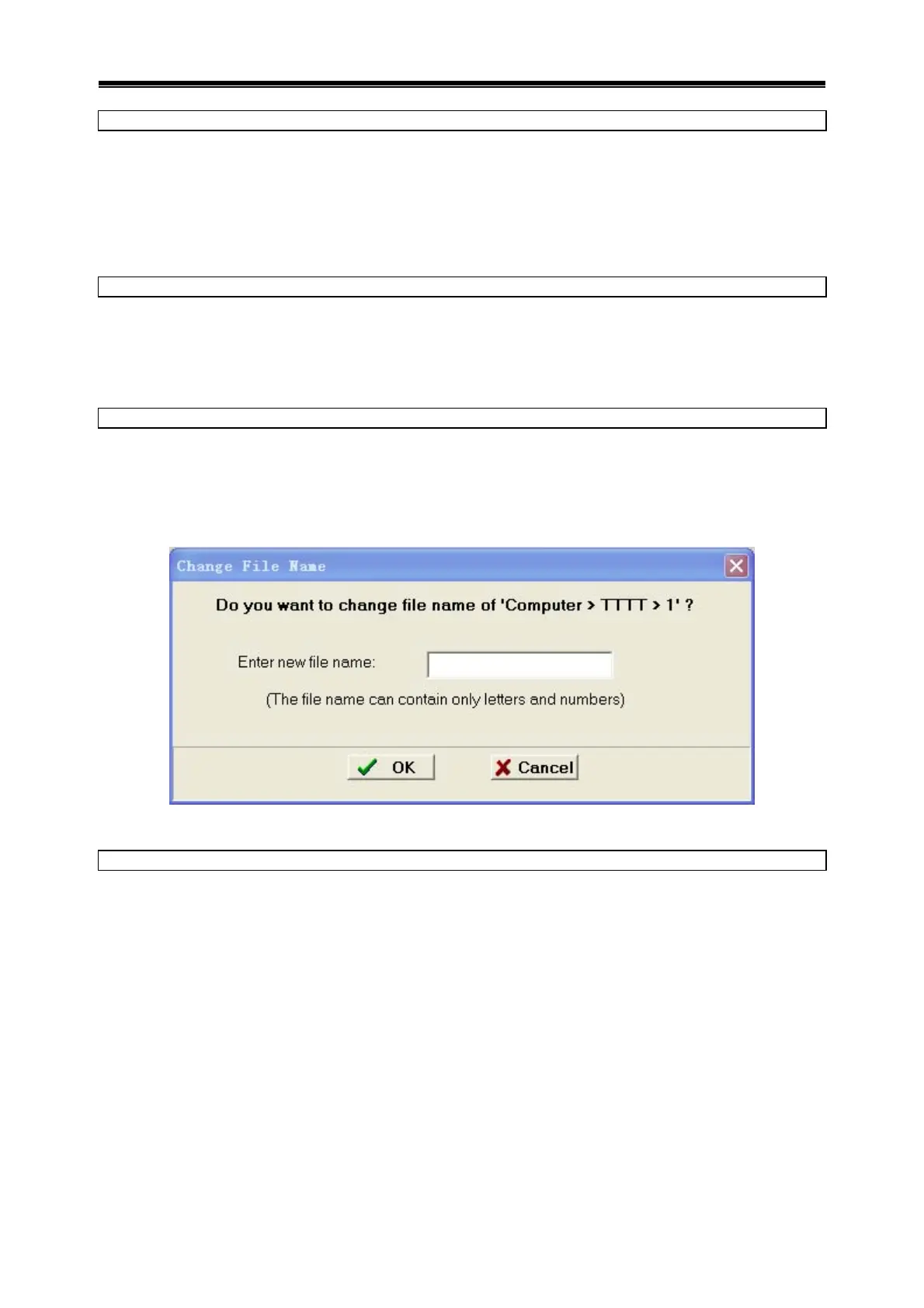
Change file name
y Select file to change name.
y Select Change File Name menu under File menu.
y Input file name and click OK.
Prompt
File name can’t be changed if it is open.
Change file password
y Select file to change password.
y Select Change File Password menu under File menu to bounce dialog box.
y Input old password and new password, click OK.
Prompt
File name can’t be changed if it is open.



 To Next Page