LifePro Thermal Cycler Firmware upgrading
-38-
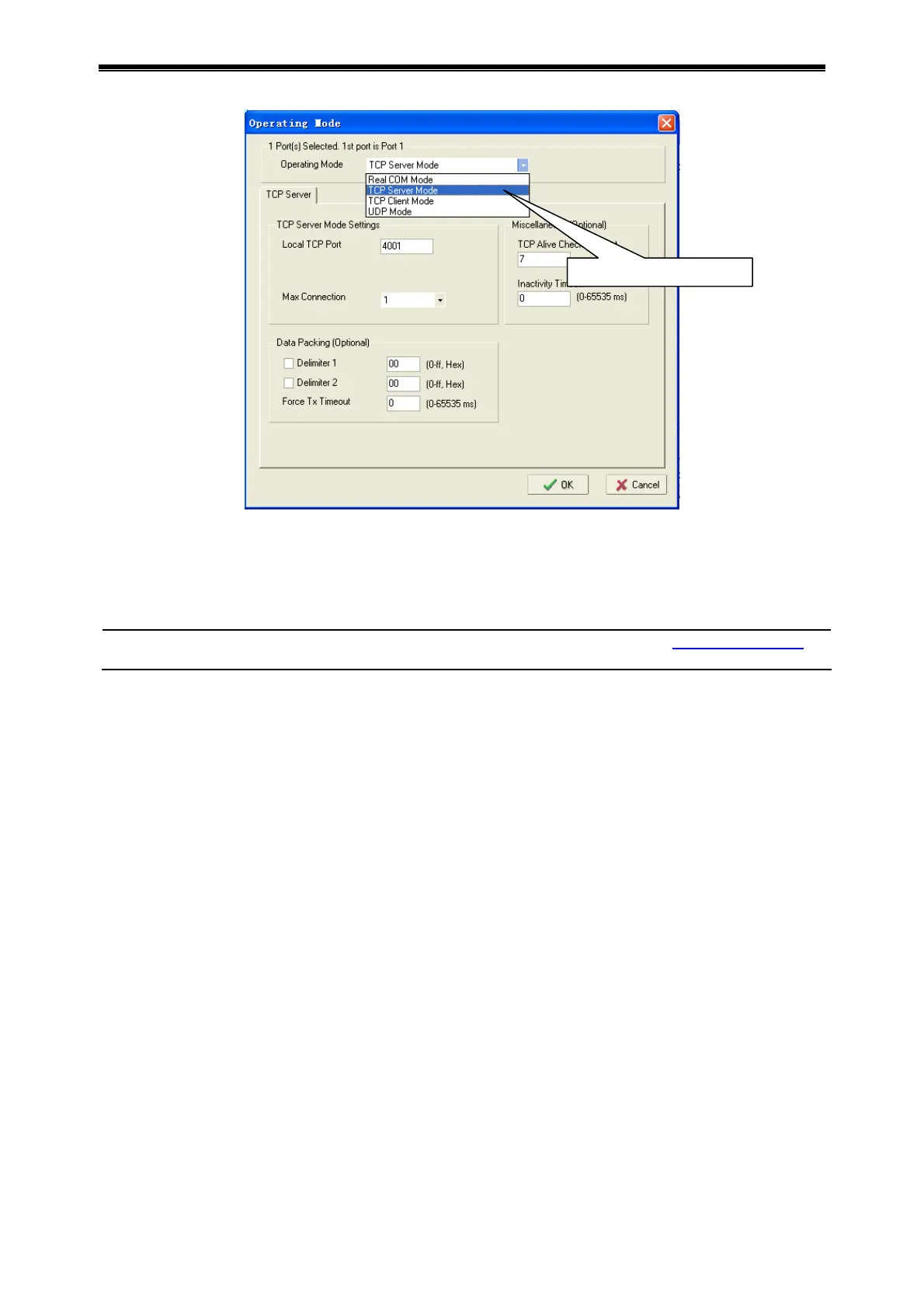
Click OK, close Network Enabler Administrator.
12) Restart the instrument, access interface for instrument system parameter setting, and set
system parameters again.
Caution: Program version might upgrade without notice. User can visit www.bioer.com.cn
to
check and download the latest program version.
Select TCP Server Mode



 To Next Page