LifePro Thermal Cycler Firmware upgrading
-37-
9) Firmware upgrading is finished;
10) Click remove device, remove device mapping;
11) Recover the configuration.
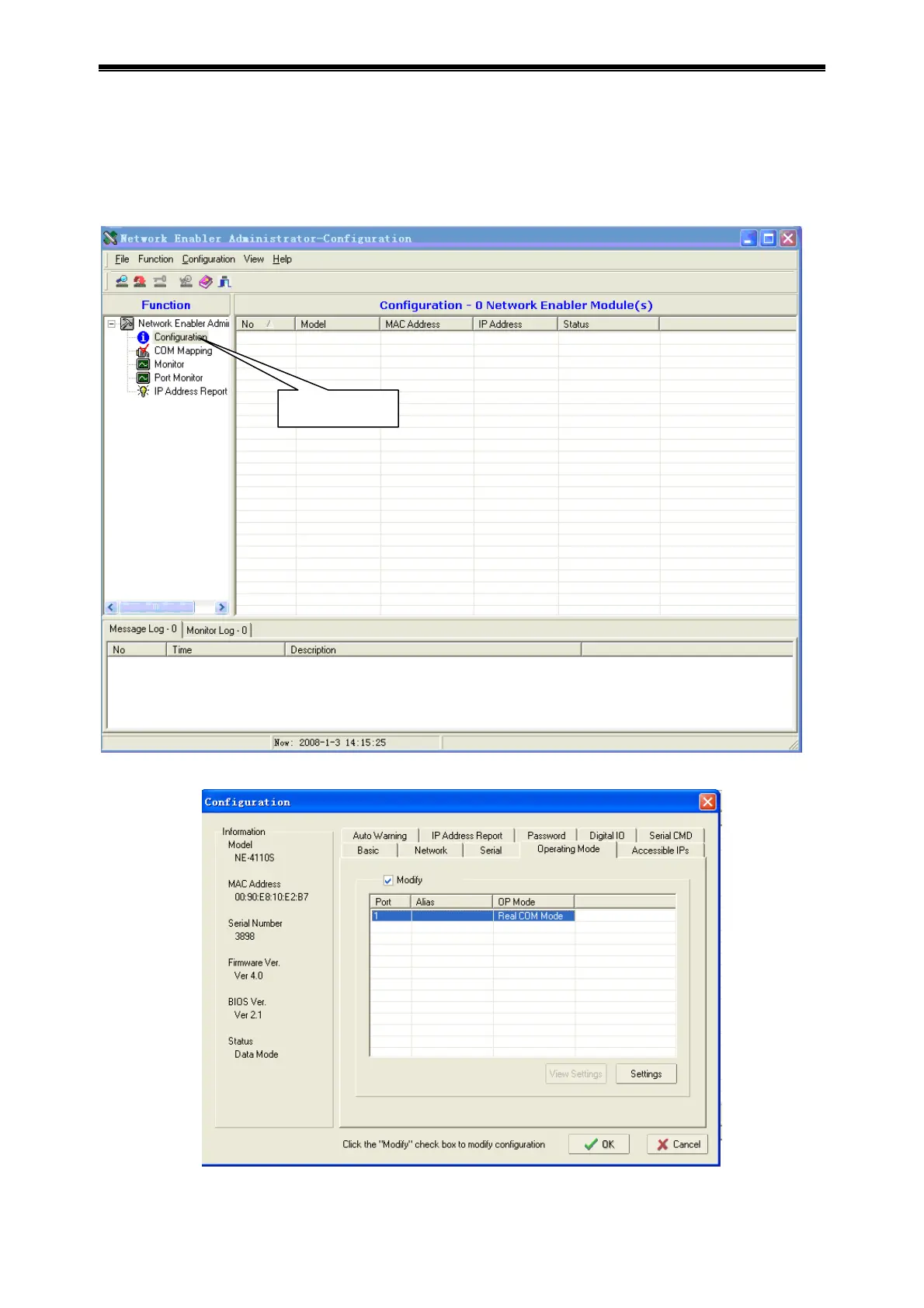
Open Network Enabler Administrator, select configuration function.
Double click network number searched in list column, open property page, and select Network.
Select TCP Server Mode under Operating Mode.
configuration



 To Next Page