E80/E70 Digital Electrocardiograph User’s Manual
4-11
11. To stop recording in the course of recording, press “Record/Stop” key on
keyboard.
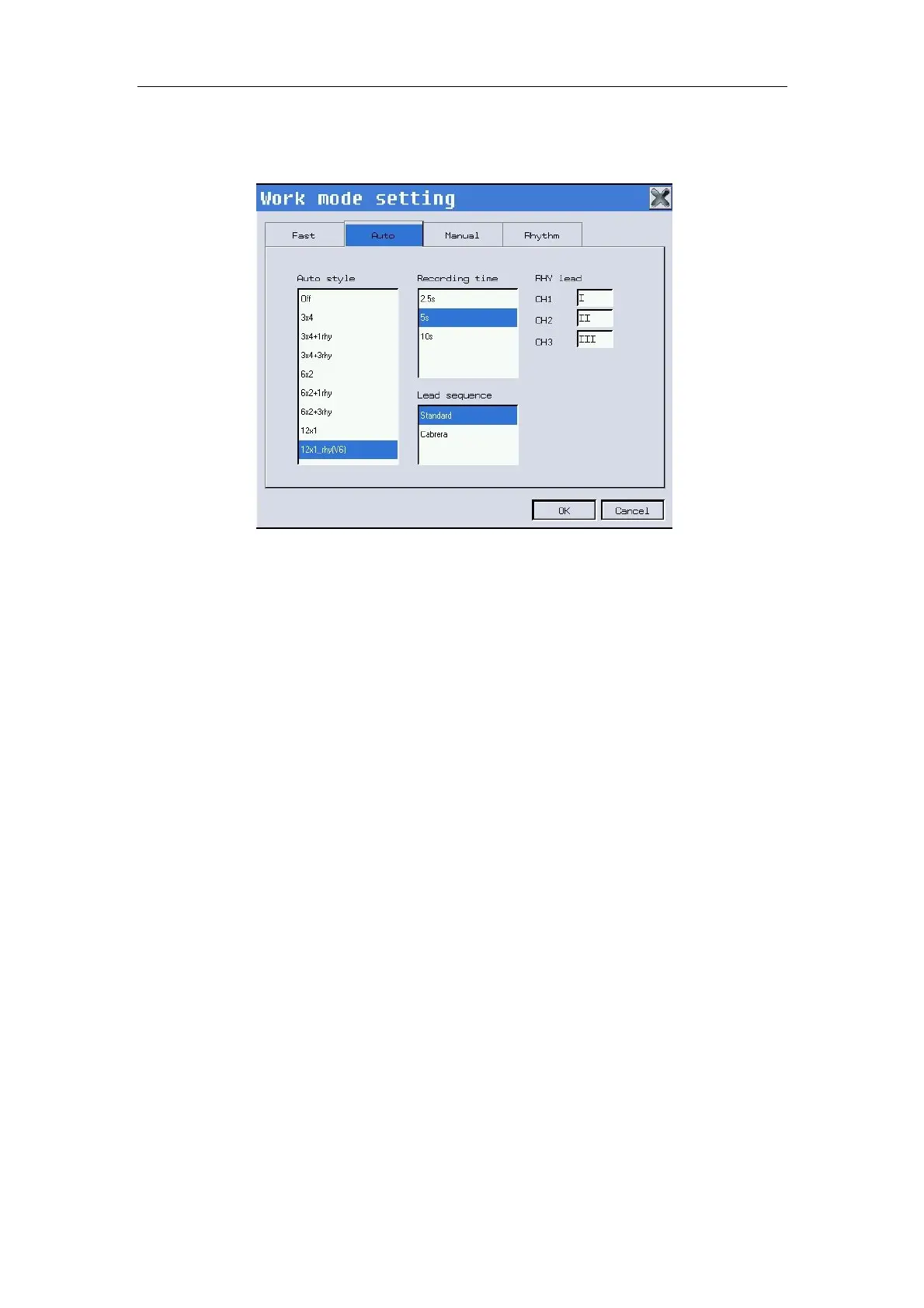
Fig. 4-11: Work mode setting--Auto
4.5.3 Manual Mode
In manual mode, users may select lead group according to actual needs,
and conduct different setups of recording parameters or other parameters for
different lead groups.
Refer to the following steps to operate:
1. Before recording, enter the patients’ info.
2. Press the“Mode”key on keyboard to switch the working mode into
“Manual mode”.
3. Select【Working mode/ F1】key to conduct setup properly, including
Manual style, Lead sequence, and Channel lead; and select【OK】, as
shown in Fig. 4-12 below.
4. Press“Record/Stop”key on keyboard to start recording.
5. When the record finished, Press“
Record/Stop”to stop recording.
6.
To stop recording in the course of recording, press “Record/Stop”key on
keyboard.



 To Next Page