E80/E70 Digital Electrocardiograph User’s Manual
4-20
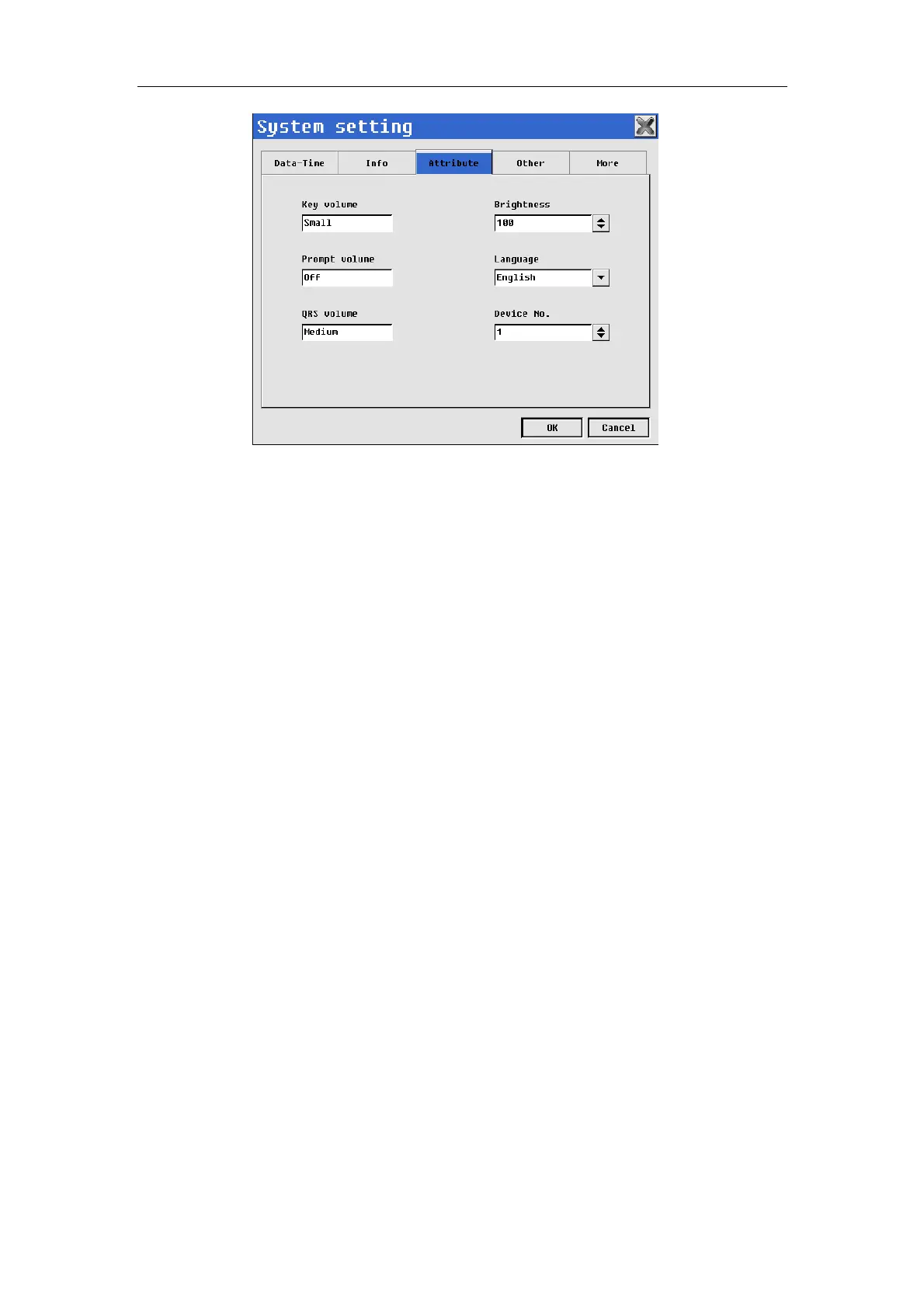
Fig. 4-19: System setting--Attribute
In the interface, you may conduct the following operations:
——Select【Key volume】: Set the volume of key sound. Options: small,
medium, large or close. When “Close” is selected, Electrocardiograph will not
give off any sound at the time of key pressing.
——Select【Prompt volume】: Set the volume of prompt sound. Options:
small, medium, large or close. When “Close” is selected, Electrocardiograph
will not give off any sound at the time of giving prompt.
——Select【QRS volume】: Set the volume of QRS sound. Options: small,
medium, large or close. When “Close” is selected, Electrocardiograph will not
give off any sound of QRS.
——Select【Brightness】: May setup the brightness of display: 0~100.
——Select【Language】: The users may select the language of
electrocardiograph displaying or using for ECG recording according to actual
needs.
——Select【Device NO.】: May setup device NO. of the machine: 1~100.
4.9.4 Other Setup
Select 【Other】in system setup interface to enter setup interface of other
info. Shown as following chart:



 To Next Page