Patient Monitor User’s Manual
1-7
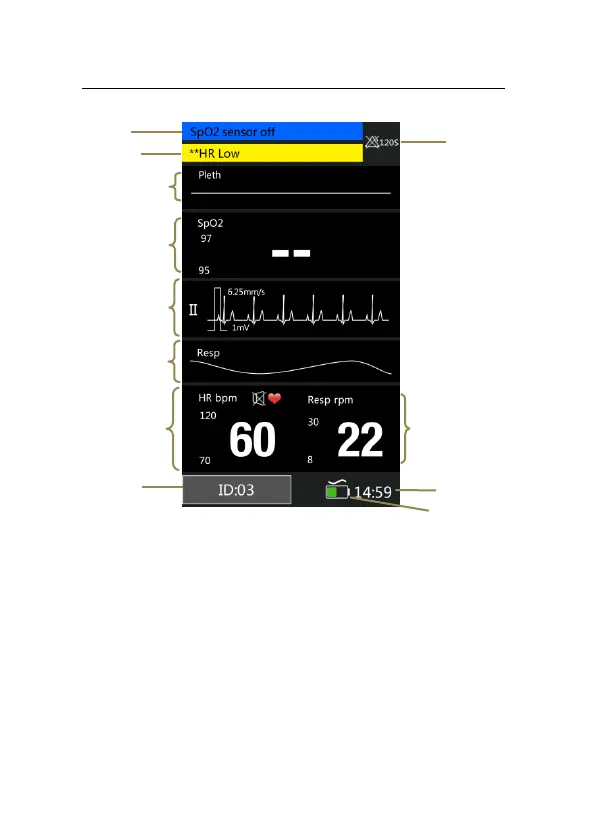
Fig 1-4 Multi-Parameter Display Mode
1. Patient ID No.: Click and then set patient information, its
range from 1 to 96.
2. HR parameter area: The current HR parameter and its
high and low alarm limits are shown in the area.
3. Resp waveform area: Resp waveform is shown in the
area.
4. ECG waveform area: ECG waveform is shown in the
8
7
6
5
9
4
3
2
1
10
11
12



 To Next Page