Instruction Manual TProfessional Basic 06/2011 19
The block menu shows the current status of the block. The block can be active with a program
or free.
If the block is free (not running), the five most recently used programs (by the active User) are
listed. These programs can be started directly from the block menu (select with cursor and push
[start] Button).
5.1.5 System Menu
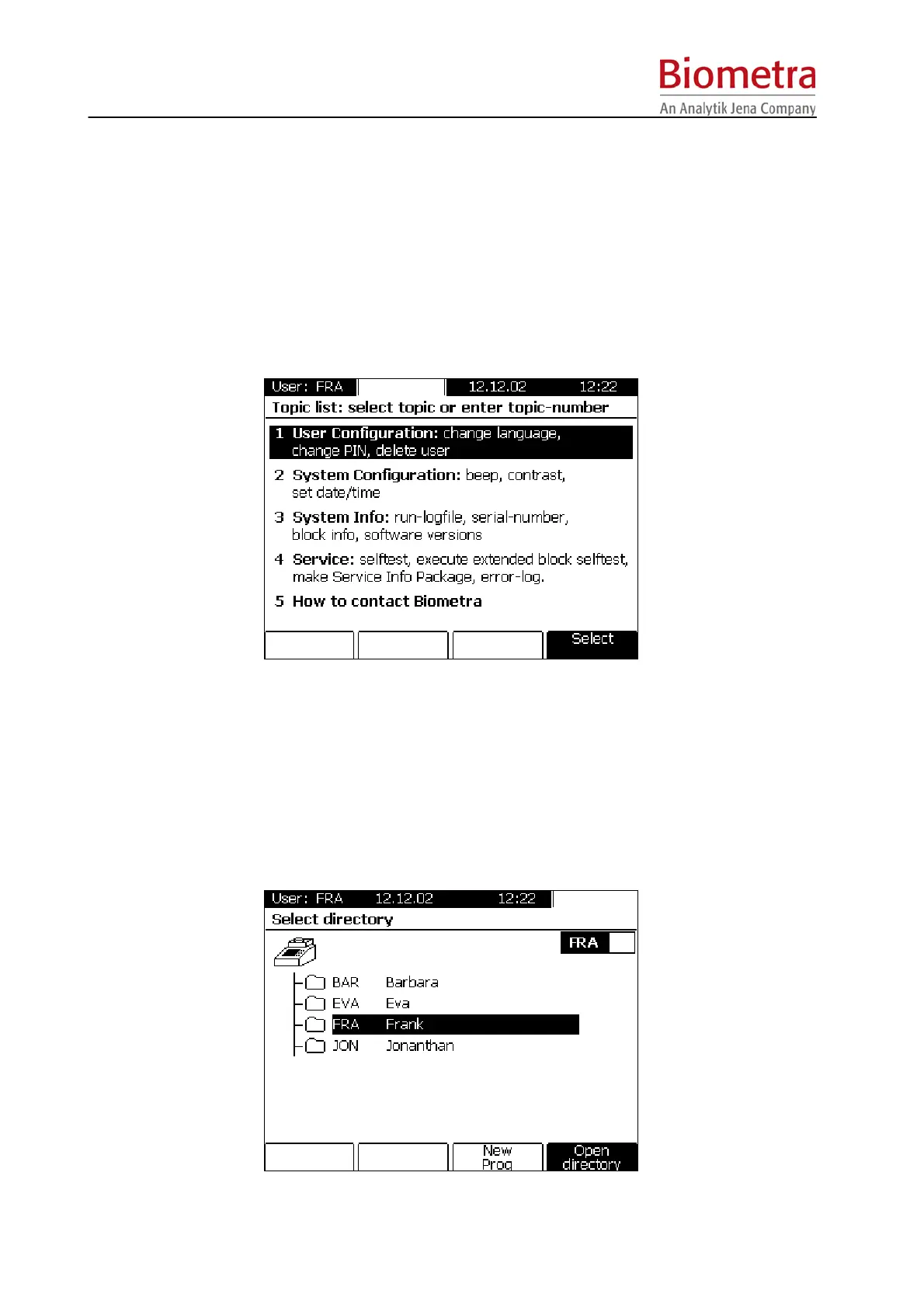
To enter the System Menu, press the System Menu Button above the display.
The System Menu allows global settings and provides information about the instrument. The
power on self test log files can be retrieved and service files generated, a detailed description of
this menu is shown in section 0, page 45.
5.1.6 Program Menu
To enter the Program Menu, press the Program Button above the Display.



 To Next Page