Instruction Manual TProfessional Basic 06/2011 37
.
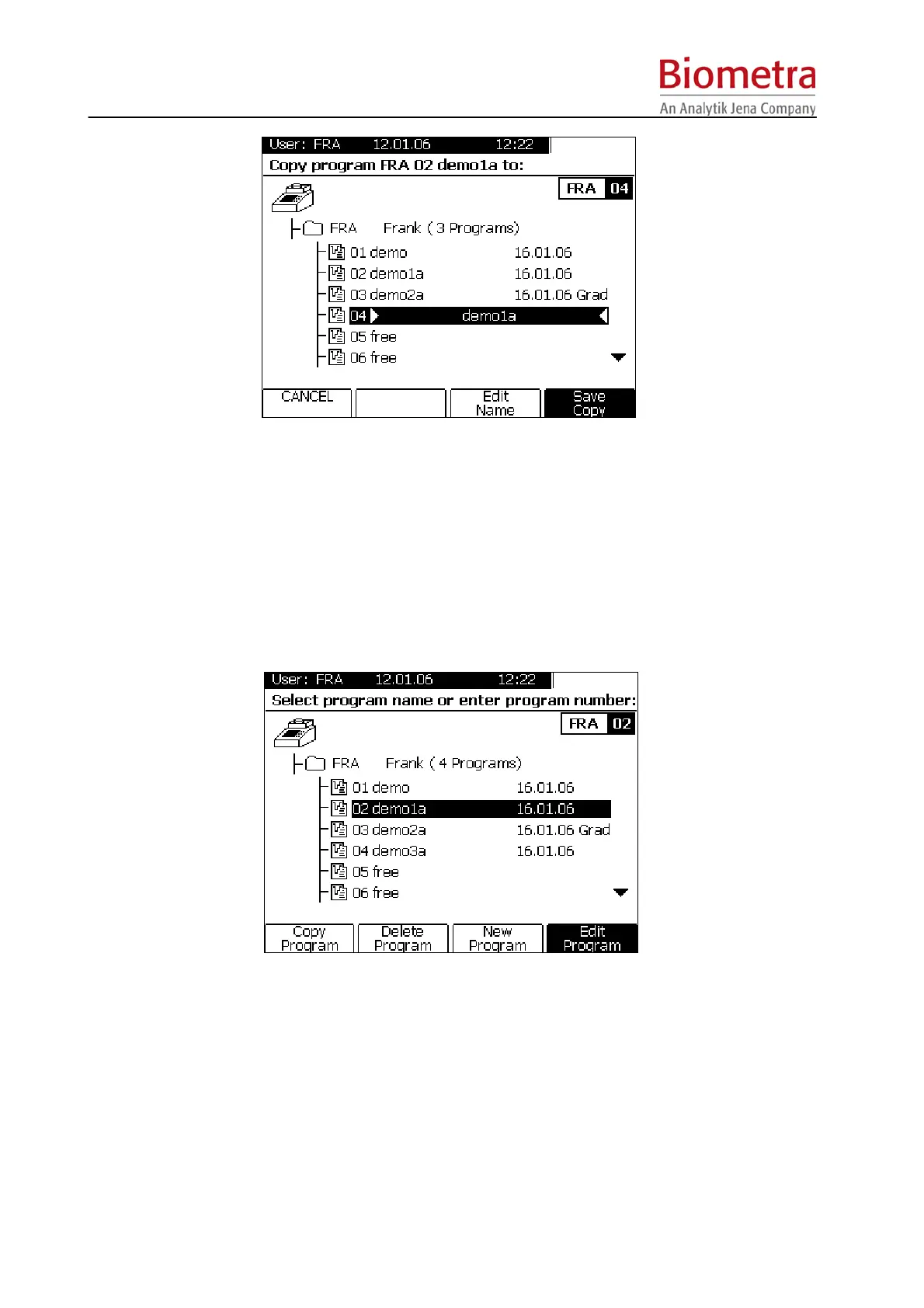
The program copy can be stored at any storage number. To change program number move the
cursor to the wanted location or directly enter a storage number (two digits) over the keypad.
Edit name and confirm with Soft Key [Save Copy]
5.4.4 Delete program
Select a program from your user directory
Press Soft Key [Delete program].



 To Next Page