Instruction Manual TProfessional Basic 06/2011 33
5.4 Edit programs
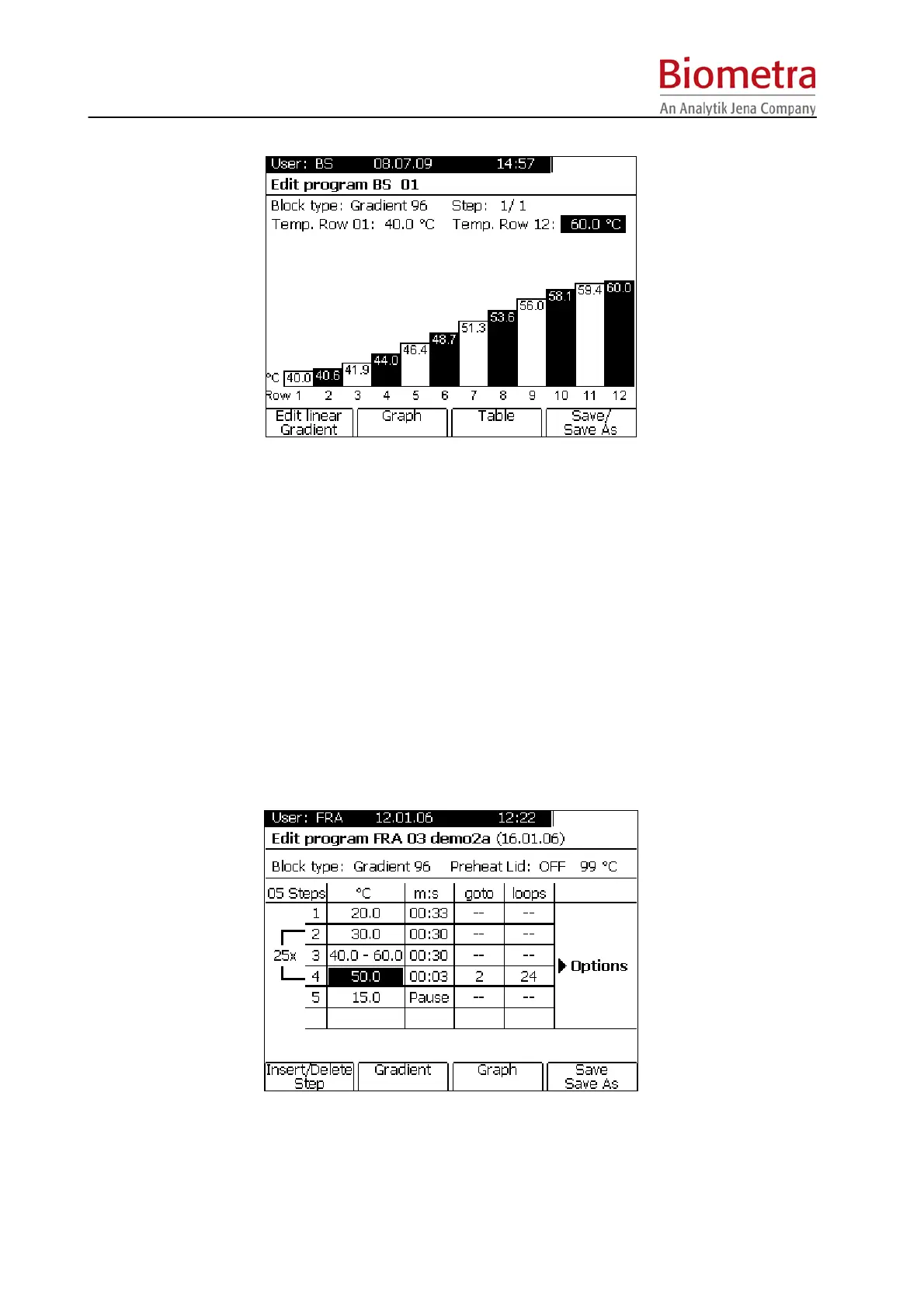
Programs can be edited in the Table or Graphical mode [Graph]. To change between these two
modes click on the Soft Key [Table] or [Graph] respectively. The graphical mode is intended for
easy modification of existing programs, which can then be saved under a new program number
and name. To edit programs in the graphical mode see section 5.4.5, page 38.
Note: During operation of the Thermocycler the active program can be viewed but not modified.
If you want to change settings of the active program for further experiments you have to save a
copy of this program to another memory. For further information about copying programs see
section 5.4.3, page 36.
5.4.1 Insert program step
Move cursor to the position, where a new step should be inserted
To insert a program step press Soft Key [Insert/Del]. The step at which a new step will be
inserted is highlighted.



 To Next Page