Instruction Manual TProfessional Basic 06/2011 31
Press the (illuminated) [Start] Button on the left side of the keypad.
5.3.10 Set Gradient
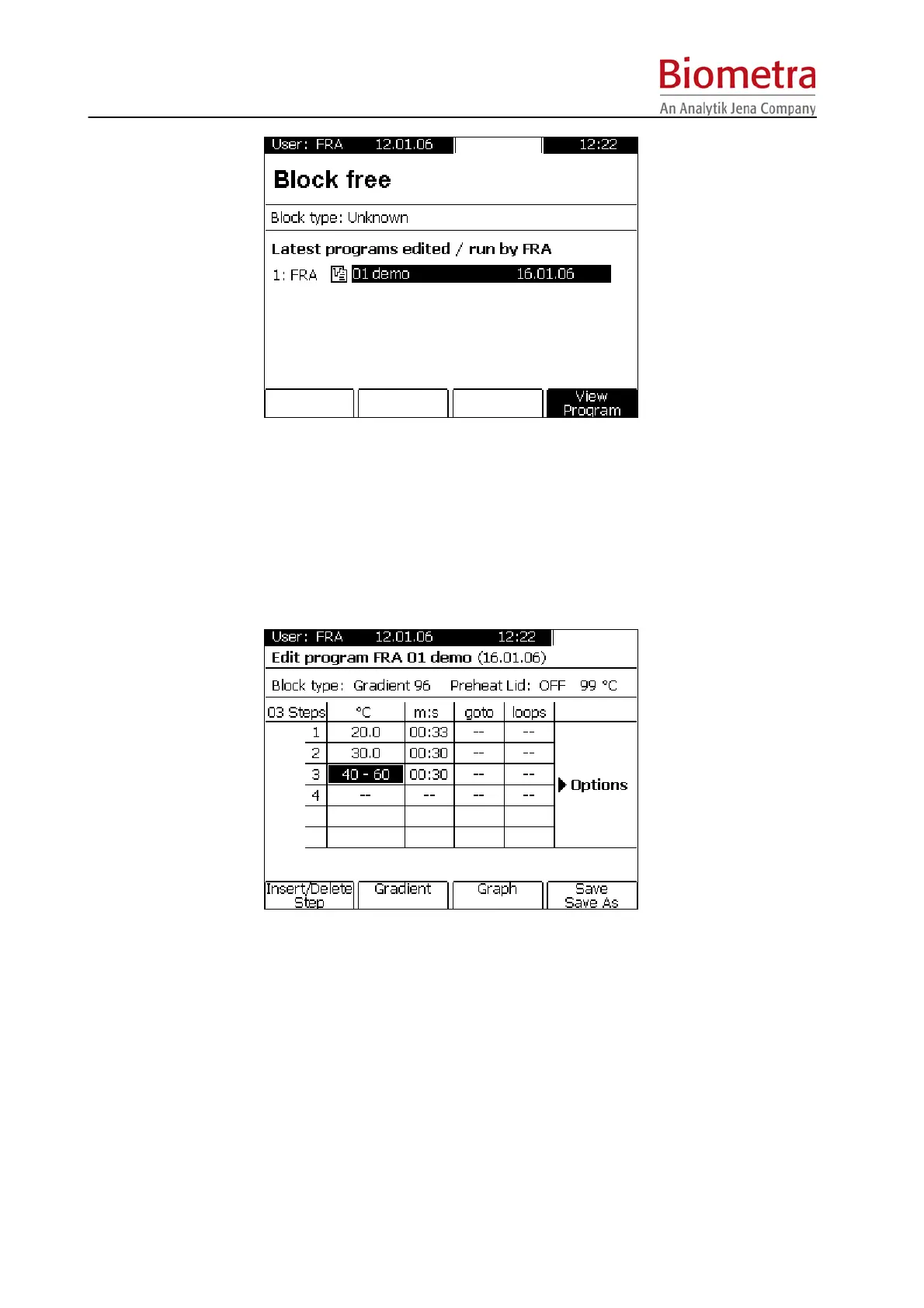
The easiest way to define a gradient is to enter the two temperatures of the block (left and right
side) separated by “-“.
Confirm with [Enter] or move cursor to the next field.
Alternatively, move cursor to the field for temperature setting and press Soft Key [Gradient].



 To Next Page