Instruction Manual TProfessional Basic 06/2011 41
Note: A time increment will increase the total runtime depending on the numbers of cycles and
the size of the increment. A program with many cycles and large time increments will take a
significantly longer time than a standard protocol.
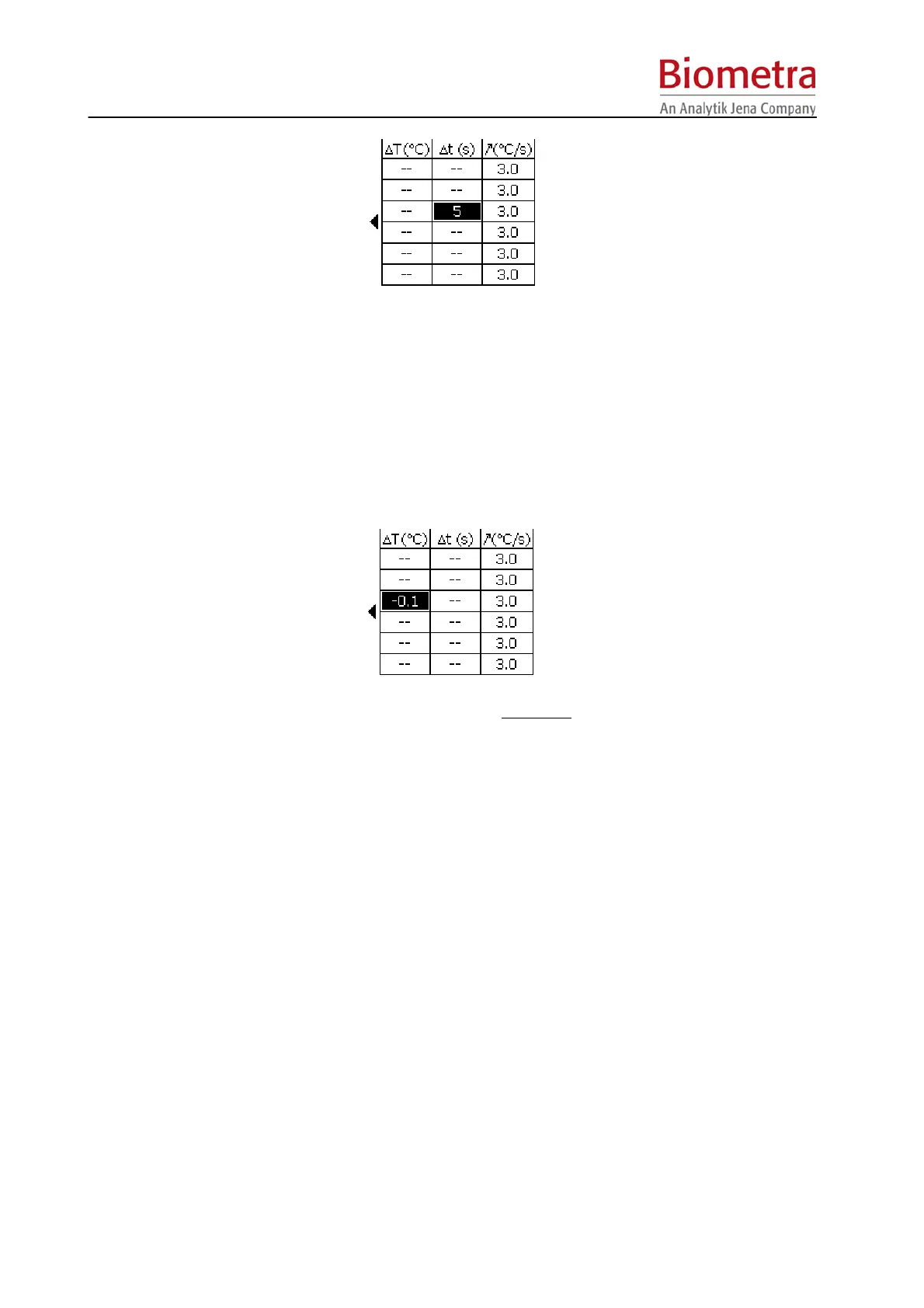
5.5.3 Temperature increment or decrement Æ ΔT(°C)
For some applications it is useful to start with a higher temperature and to decrease this
temperature from cycle to cycle. This subsequent lowering of a temperature is called touch
down.
To decrease a temperature from cycle to cycle enter a negative
temperature increment in the
row labelled with ΔT[°C].
Note: Be sure that the temperature decrease is set in a step that lies within a loop. Otherwise
there will be no iterative temperature decrease.
5.6 Run program
To start program press [Start] Button (see section 4.3, page 15).
This button is only active, when a program for start has been selected. This is indicated by the
green LED in the Start button.
5.6.1 Select program for start from User directories
Any program in the cycler memory can be used to start the thermocycler. In addition to the
programs in the own User account, also programs from other User directories can be started.
To select a program for start press [Program] Menu Button above the Display.



 To Next Page