Instruction Manual TProfessional Basic 06/2011 51
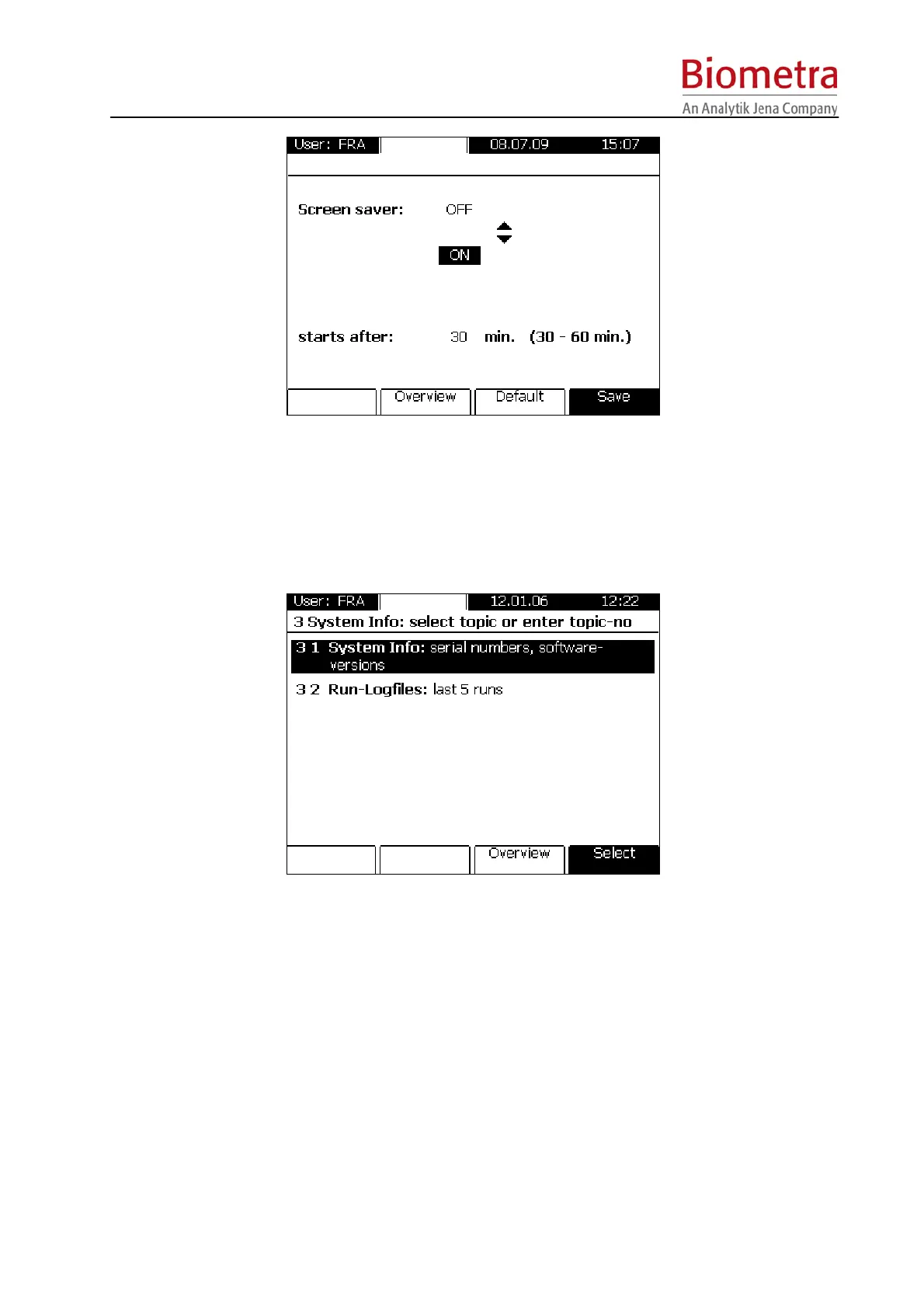
Set the screen saver ON or OFF and if necessary change the time after that the screen saver is
started (Standard time is 30 min.) Press [Save] to save the changings.
6.3 System info
This Menu provides information on the instrument and on the Log files of the last five runs.
6.3.1 System info
Use this option to Display the instruments serial number, block type and software version.



 To Next Page