39
Set Up Your RIGHTEST CGMs
38
Set Up Your RIGHTEST CGMs
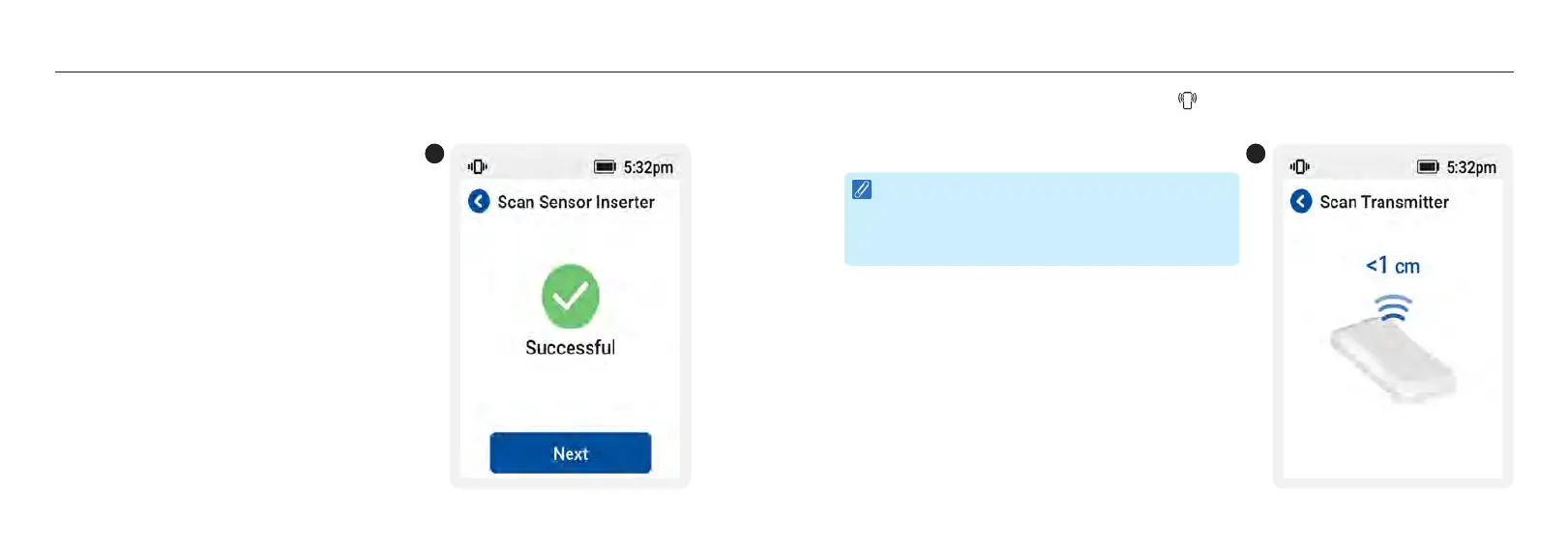
7. Once connected, pairing confirmation is displayed as by checkmark (
√
) on the receiver screen.
7
8. Tap receiver’s NFC panel against the NFC mark on the top of transmitter until you hear a “beep”
sound.
NOTE :
Be sure your receiver’s NFC panel is within 1 cm
(3/8”) of the NFC tag/mark when you scan the
codes.
8














 To Next Page