102
Appendix
103
Appendix
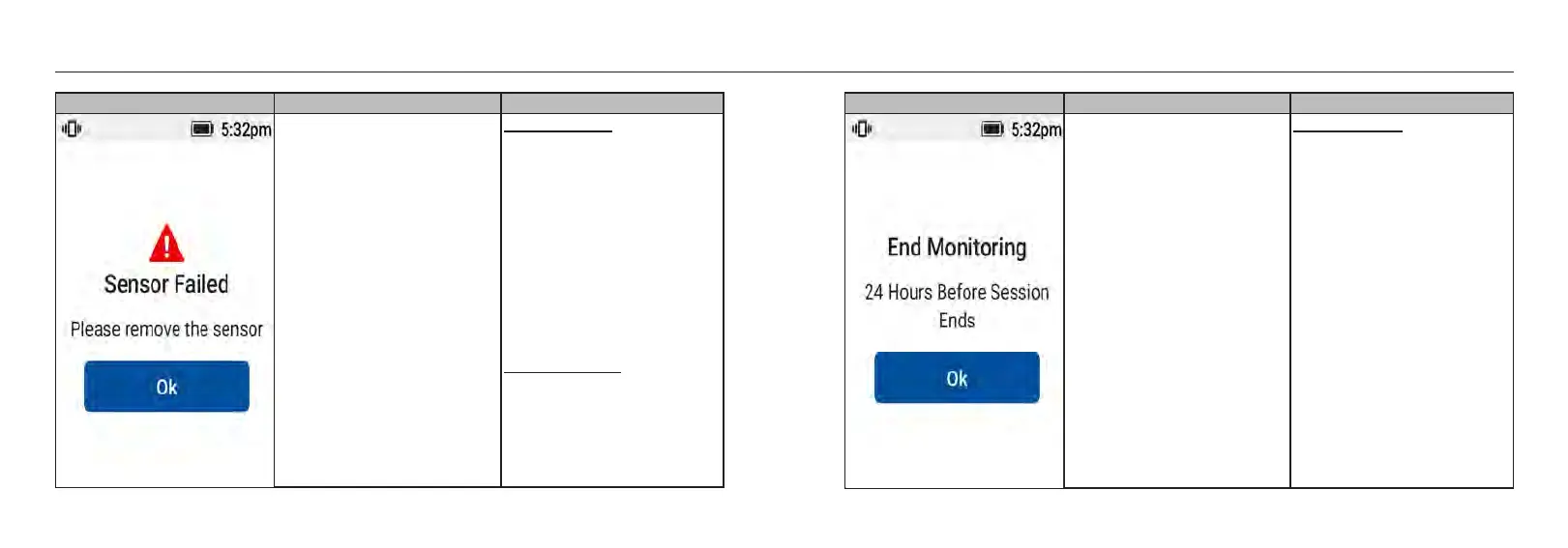
Screen Event Visual & Sound Settings
The system detects a current
error measured by the sensor.
Default Setting:
• Visual message on the screen:
Yes.
• Sound & Vibration Alert: Yes.
- Vibrates 1 time and beeps 1
time at the alarm volume
following the user settings.
Separated by 1s.
- Displayed continuously for 5
minutes or until [OK] is
pressed.
- System alerts will repeat every
30 minutes.
Editable Setting:
• Sound & Vibration can be
turned ON/OFF by the user.
Screen Event Visual & Sound Settings
When sensor is to be expired in
less than 24 hours.
Default Setting:
• Visual message on the screen:
Yes.
• Sound & Vibration Alert: No.














 To Next Page