100
Appendix
101
Appendix
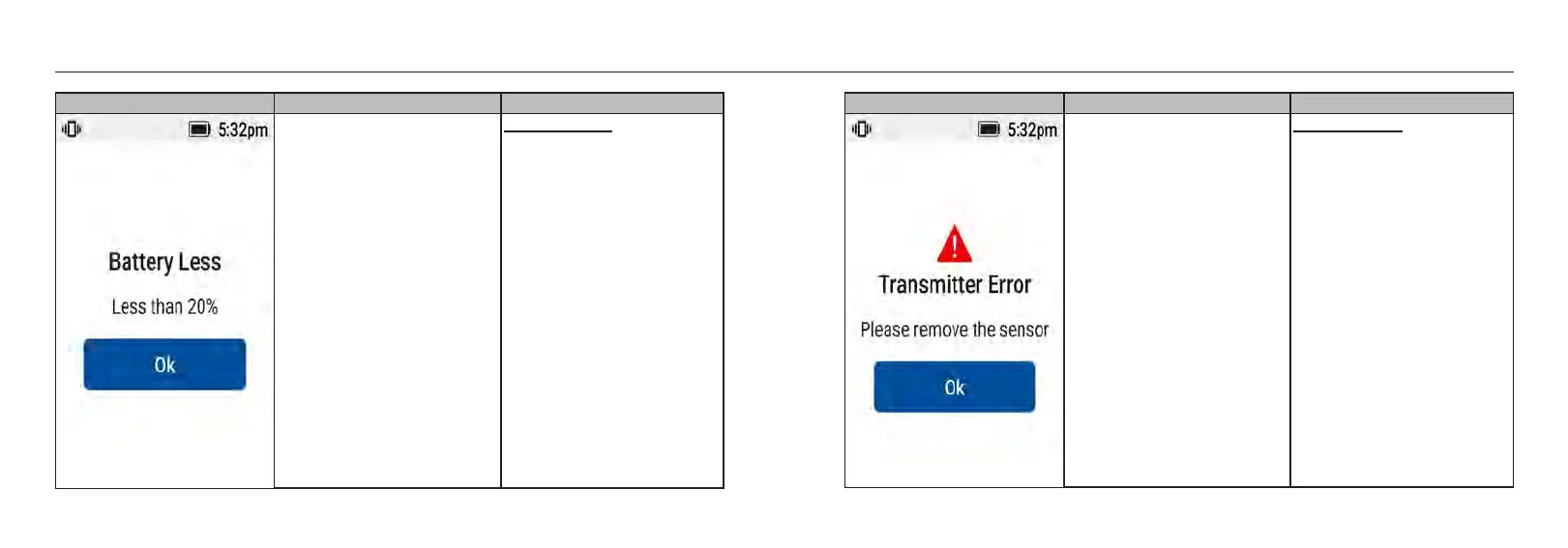
Screen Event Visual & Sound Settings
Receiver battery less than 20%. Default Setting:
• Visual message on the screen:
Yes.
• Sound & Vibration Alert : No.
Screen Event Visual & Sound Settings
Transmitter is not working. Default Setting:
• Visual message on the screen:
Yes
• Sound & Vibration Alert : Yes.
- Vibrates 1 time and beeps 1
time at the alarm volume
following the user settings.
Separated by 1s.
- Displayed continuously for 5
minutes or until [OK] is
pressed.
- System alerts will repeat every
30 minutes.














 To Next Page