Introduction
14
Adjusting the trace within the selected scale
Note: Scale settings only affect the active trace, if more than one
trace is currently displayed, select the desired trace before changing
scale.
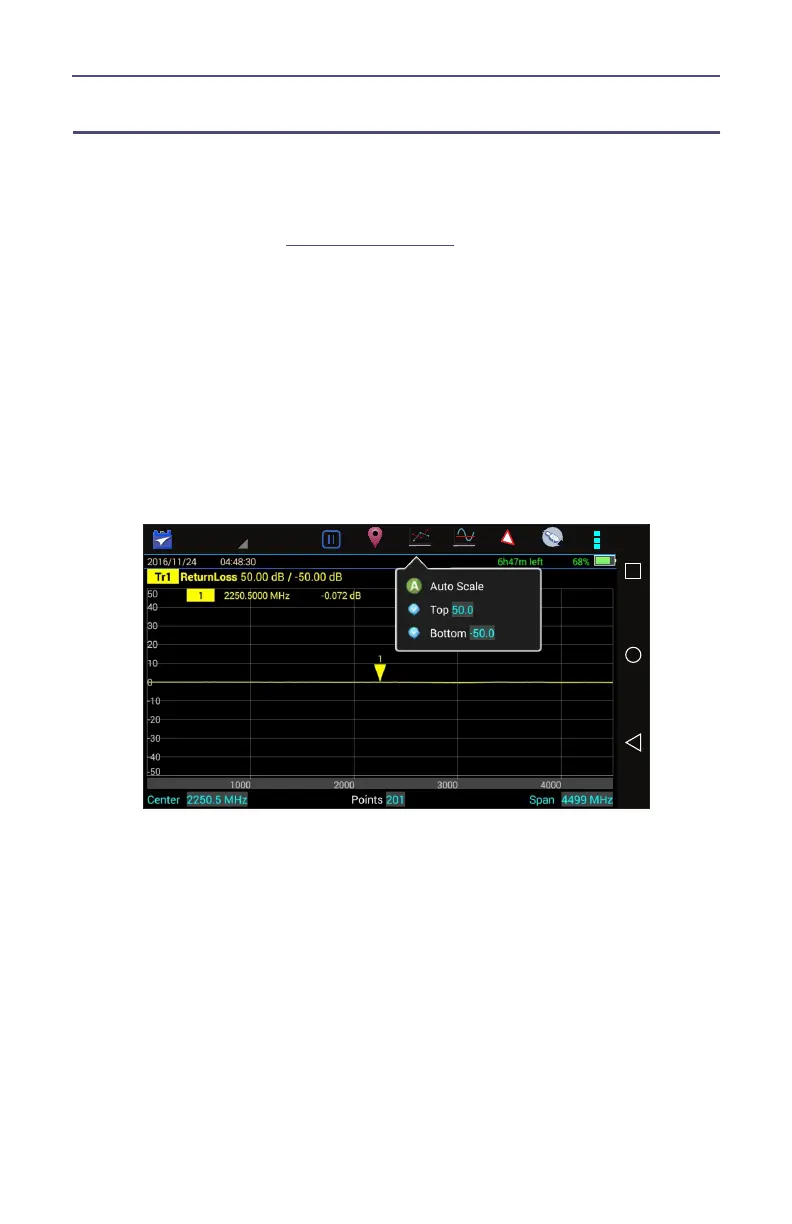
1. Press SCALE icon. See
Figure 6 on page 14
.
2. Select one of the following from the menu:
a. For Manual Operation:
Press Top to change upper limit of the display
Press Bottom to change the lower limit of the display
b. For Auto Scale:
Press Auto Scale for the system to choose the best fit for the active
trace.
Note: The scale can also be dynamically changed by pressing and
dragging the trace up or down in the display window.
Figure 6 Adjusting the Trace



 To Next Page