Maintenance
56
15. Launch the SiteHawk App.
16. Load the updated Cable List. See
“Recall Cable List” on page 53
.
Firmware Update
1. Go to http://www.birdrf.com/Products/Test and Measurement/Analyzers/
Cable-Antenna-Analyzers/
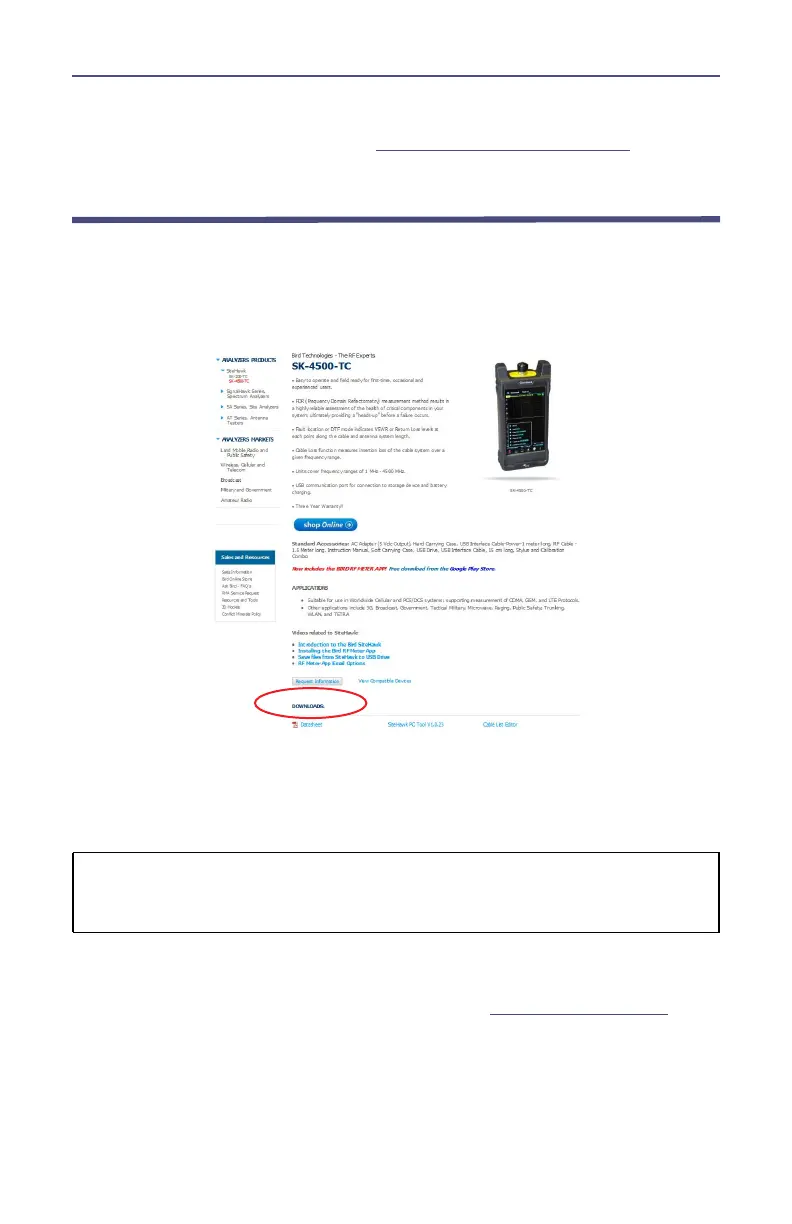
2. Scroll down to the Downloads.
3. Click on the Firmware link.
Note: Ensure you are downloading the firmware for correct SiteHawk
model.
4. Download the SiteHawk-Firmware-XXX.apk update file.
5. Connect the USB drive to the PC.
CAUTION
Do not connect the unit to a PC USB port.
File transfer must be done using a USB Drive.
6. Transfer the SiteHawk-Firmware-XXX.apk update file to the USB drive.
7. Remove the USB drive.
8. Connect the USB drive to the USB adapter. See
Figure 54 on page 57
.
9. Connect the USB adapter to the SiteHawk Analyzer.



 To Next Page