Data Save and Export
40
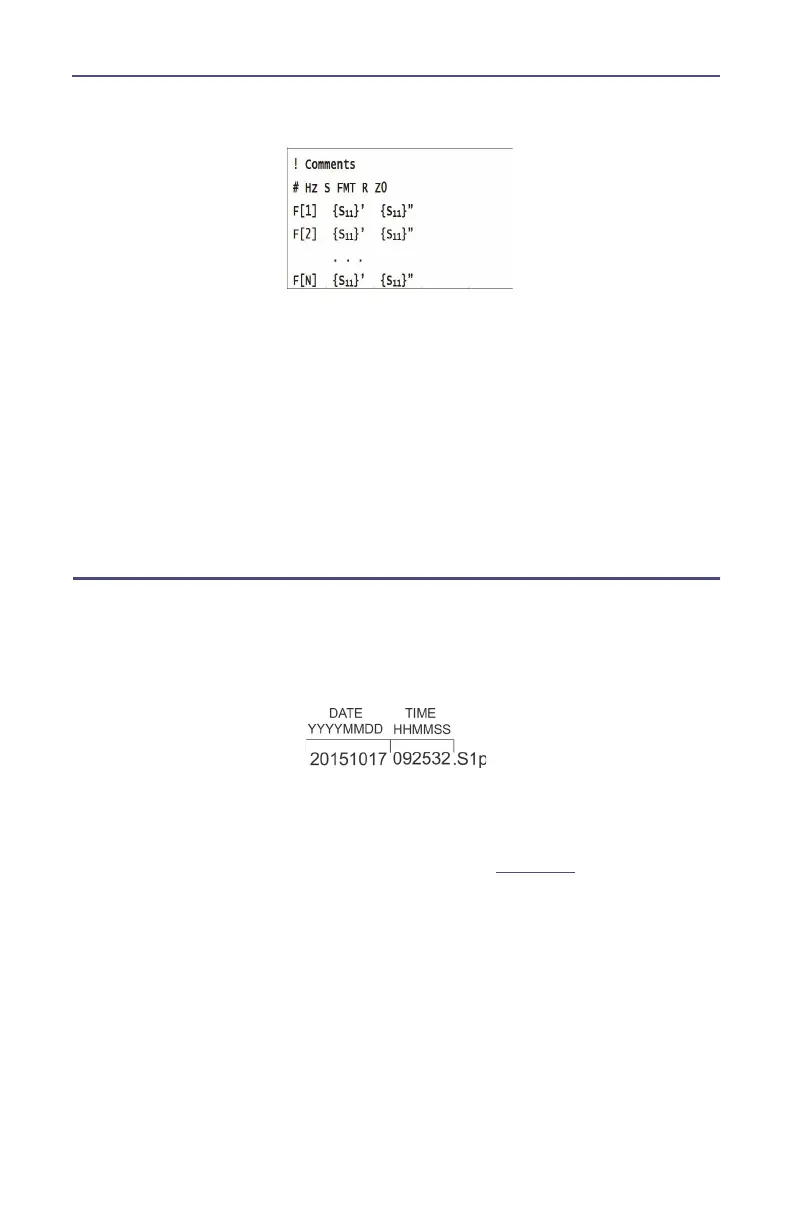
Hz——frequency measurement unit (kHz, MHz, GHz)
FMT—— Data Format
RI——Real part and Imaginary part
MA——Linear Amp and Phase
DB——Log Amp (dB) and Phase
Z0——reference impedance
F[n]——Frequency about point N
{…}’—— {(RI) |(MA) |(DB)}
{…}”——{(RI) |(MA) |(DB)}
Save Files on SiteHawk
The SiteHawk Analyzer automatically names files using a time-date format, this
can be changed during the save operation.
Figure 33 SiteHawk File Names
Saving Files
1. Press the Menu icon.
2. Press the FILE icon to display the file menu. See
Figure 34
.



 To Next Page