Maintenance
54
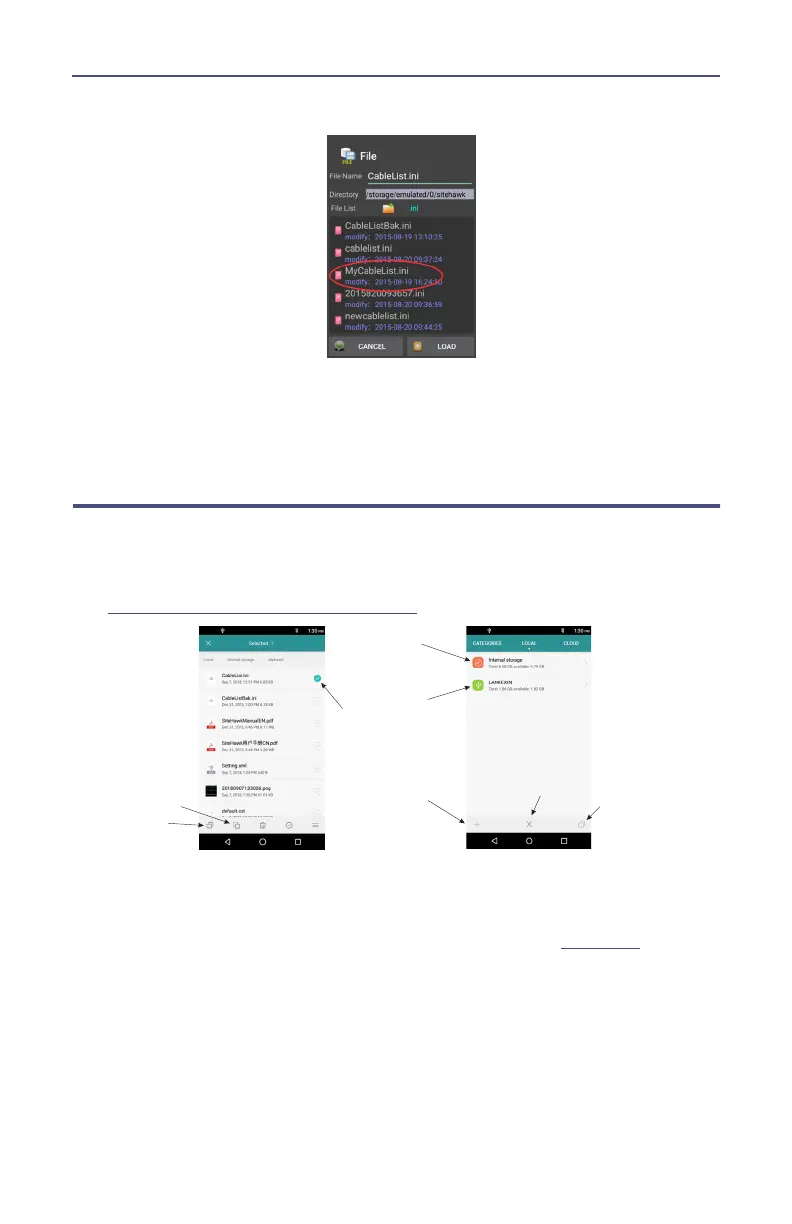
Figure 51 Recall Cable List Dialog Box
4. Select the Cable List to Recall.
5. Press LOAD.
6. Select a cable in the list and press OK.
Edit Cable List on a PC
1. Download the Cable List Editor from SiteHawk page on the Bird Website,
and save on a PC.
2. Copy the file CableList.ini from the SiteHawk folder on the SiteHawk. See
“Data Transfer Function” on page 45
.
!
3. Save the CableList.ini file on the PC in the same folder with the Cable List
Editor.
4. Double Click the CableListEditor.exe to launch the editor.
5. Click Import and select CableList.ini and click Open. See
Figure 52
.



 To Next Page