Bird SiteHawk Operation Manual
57
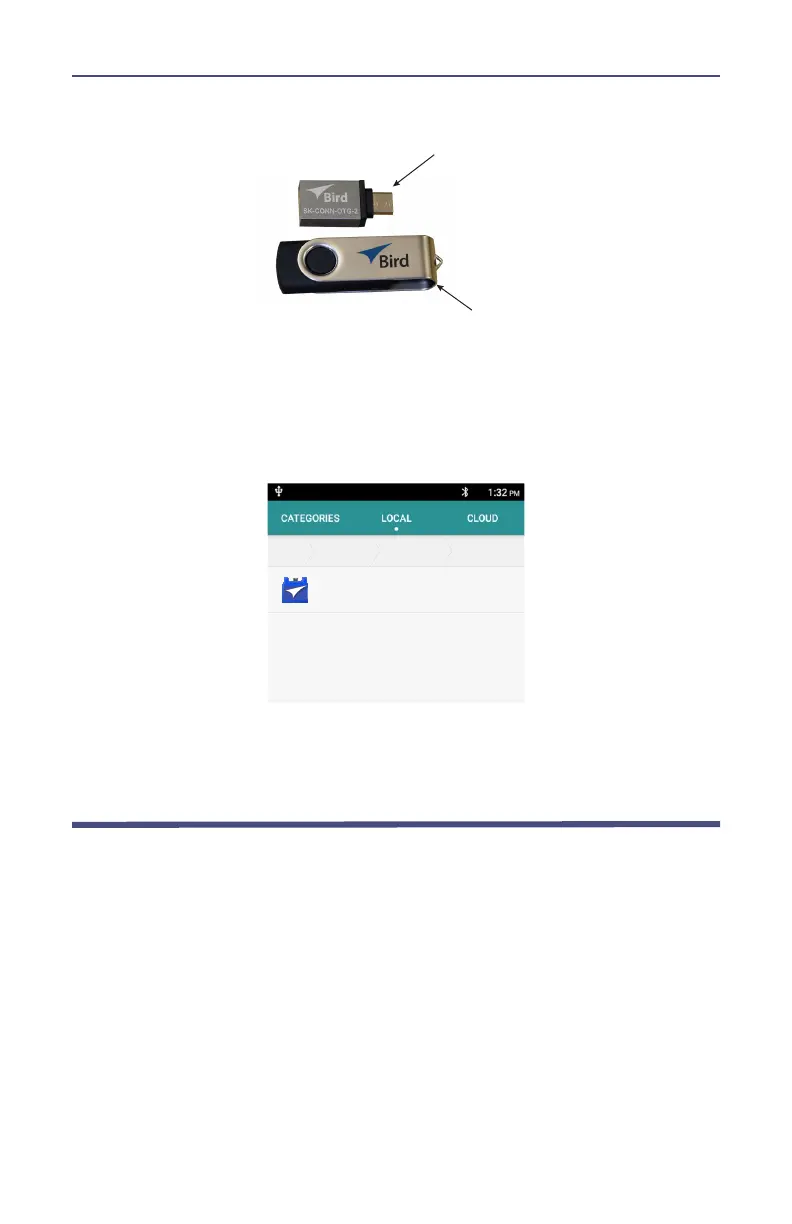
Figure 54 USB Drive connections
10. Turn on the SiteHawk Analyzer.
11. Select “File Manager”.
12. Select “External USB storage”.
Figure 55 APK file selection
!"#"$%$#&'((#$
13. Select SiteHawk-Firmware-XXX.apk.
14. Follow the Installation instructions on the unit.
Customer Service
Any maintenance or service procedure beyond the scope of those in this
chapter should be referred to a qualified service center.
If the unit needs to be returned for any reason, request an Return Material
Authorization (RMA) through the Bird Technologies website. All instruments
returned must be shipped prepaid and to the attention of the RMA number.
Bird Service Center
30303 Aurora Road
Cleveland (Solon), Ohio 44139-2794
Fax: (440) 248-5426
E-mail: bsc@birdrf.com
For the location of the Sales Office nearest you, visit our Web site at:
http://www.birdrf.com



 To Next Page