Bird SiteHawk Operation Manual
43
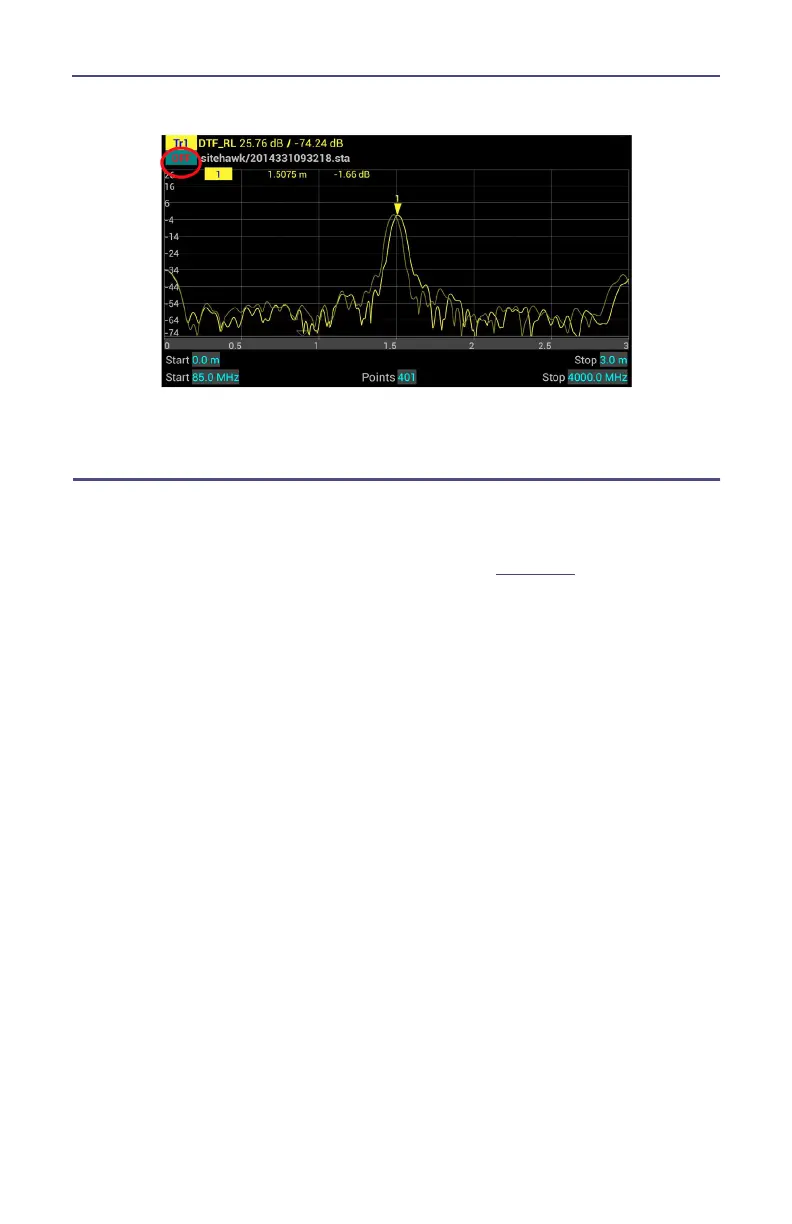
Figure 36 Recall Sta Data and Running Data
7. Press OFF to remove the recalled trace data.
Deleting SiteHawk Stored Data Files
This procedure can be used to delete any data files stored by the SiteHawk App.
1. Press the Menu icon.
2. Press the FILE icon to display the file menu. See
Figure 34
.
3. Press Delete User File.



 To Next Page