Bird SiteHawk Operation Manual
55
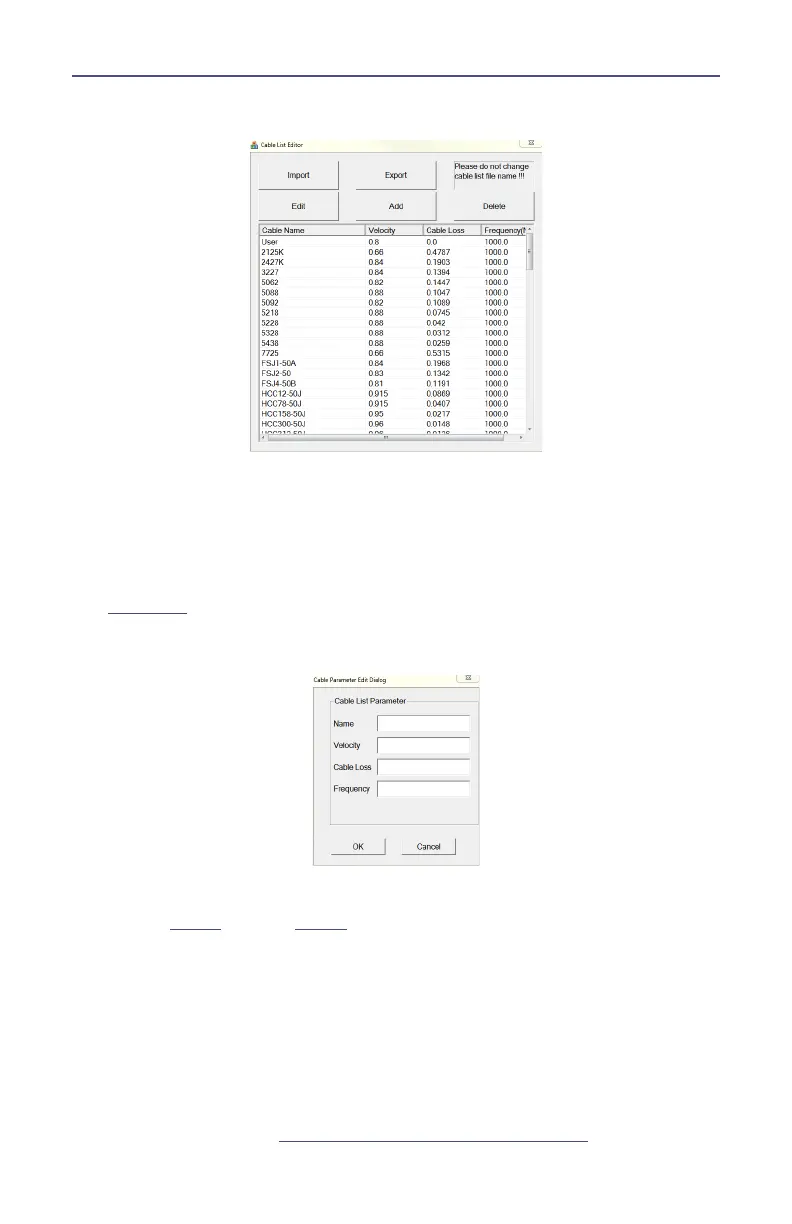
Figure 52 Cable List Editor
6. Click Add to add a new cable or select an existing cable to change and click
Edit.
Note: Any cable may be deleted by selecting the cable in the list and
clicking Delete.
7. Enter the cable information into the Cable Parameter dialog box. See
Figure 53
.
Figure 53 Cable Parameter Edit Dialog
8. Click OK
9. Repeat
step 6
through
step 8
until all changes are complete.
10. Once all changes are complete click Export.
Note: The Cable List name can be the same as the default or may have
a unique name.
11. Name the Cable List and click Save.
12. Copy the updated Cable List to a USB drive.
13. Exit the SiteHawk App on the SiteHawk Analyzer.
14. Copy the updated CableList.ini file to the SiteHawk and save in the original
Cable List folder. See
“Data Transfer Function” on page 45
.



 To Next Page