7
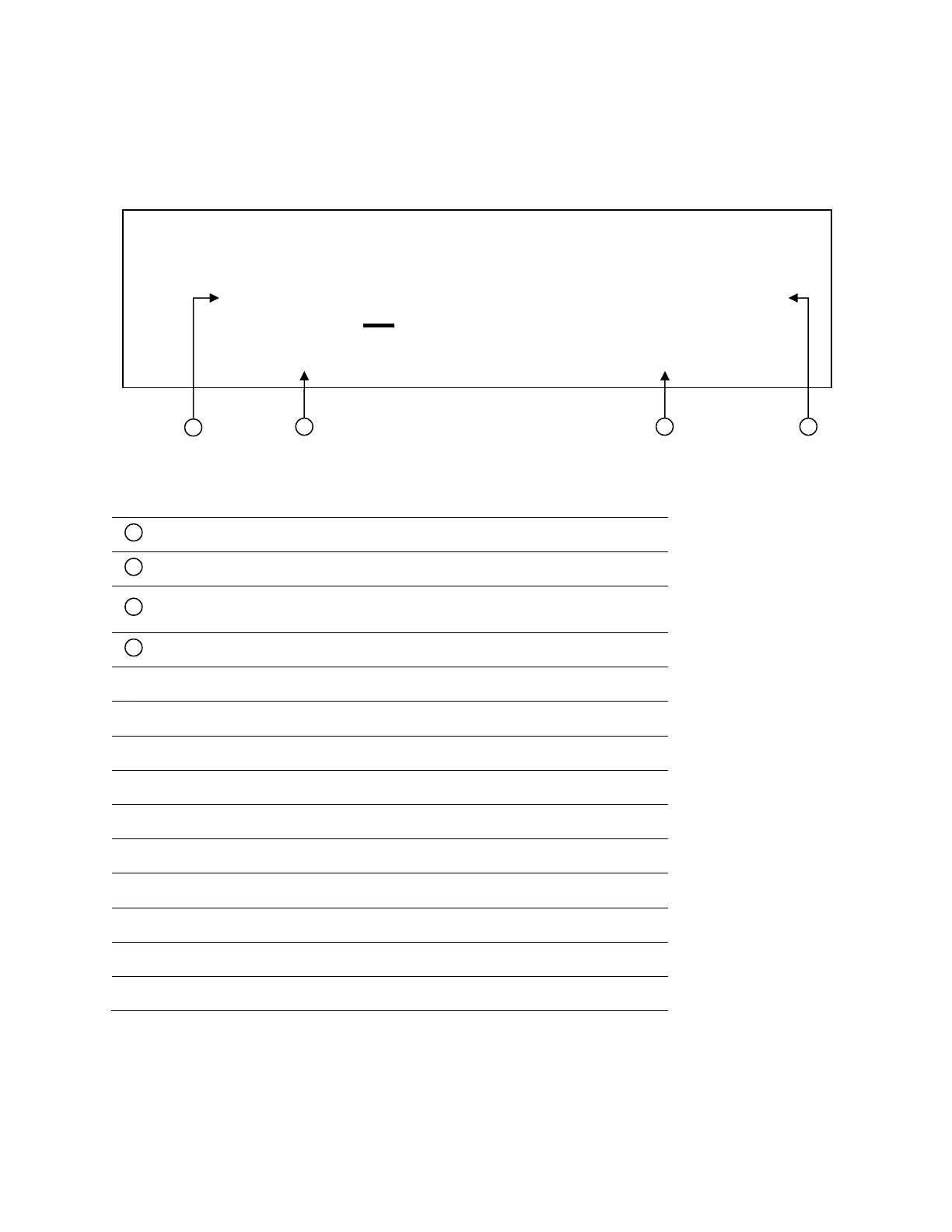
1.6 Display Overview
Display Description
Settings Display
Displays parameter settings such as OVP, P-max, Rise/Fall
Indicates output is disabled
Indicates constant current (CC) operation
Indicates constant voltage (CV) operation
Indicates remote communication activity
Indicates an error has occurred
Indicates waiting for trigger (for list operation)
Indicates protection trip for over voltage or over temperature
Indicates key lock is enabled
Indicates shift mode (for access to secondary button functions)
OFF CC CV Rmt Addr Error Trig Prot * Shift
Figure 1.9 – Display Overview











 To Next Page