15
7. Press the power switch to (OFF) position to turn off the power supply and remove
the short on the output terminals.
Check Model and Firmware Version
The model and firmware version can be verified by using the *IDN? query remote command. It
can also be found from within the menu system by following these steps:
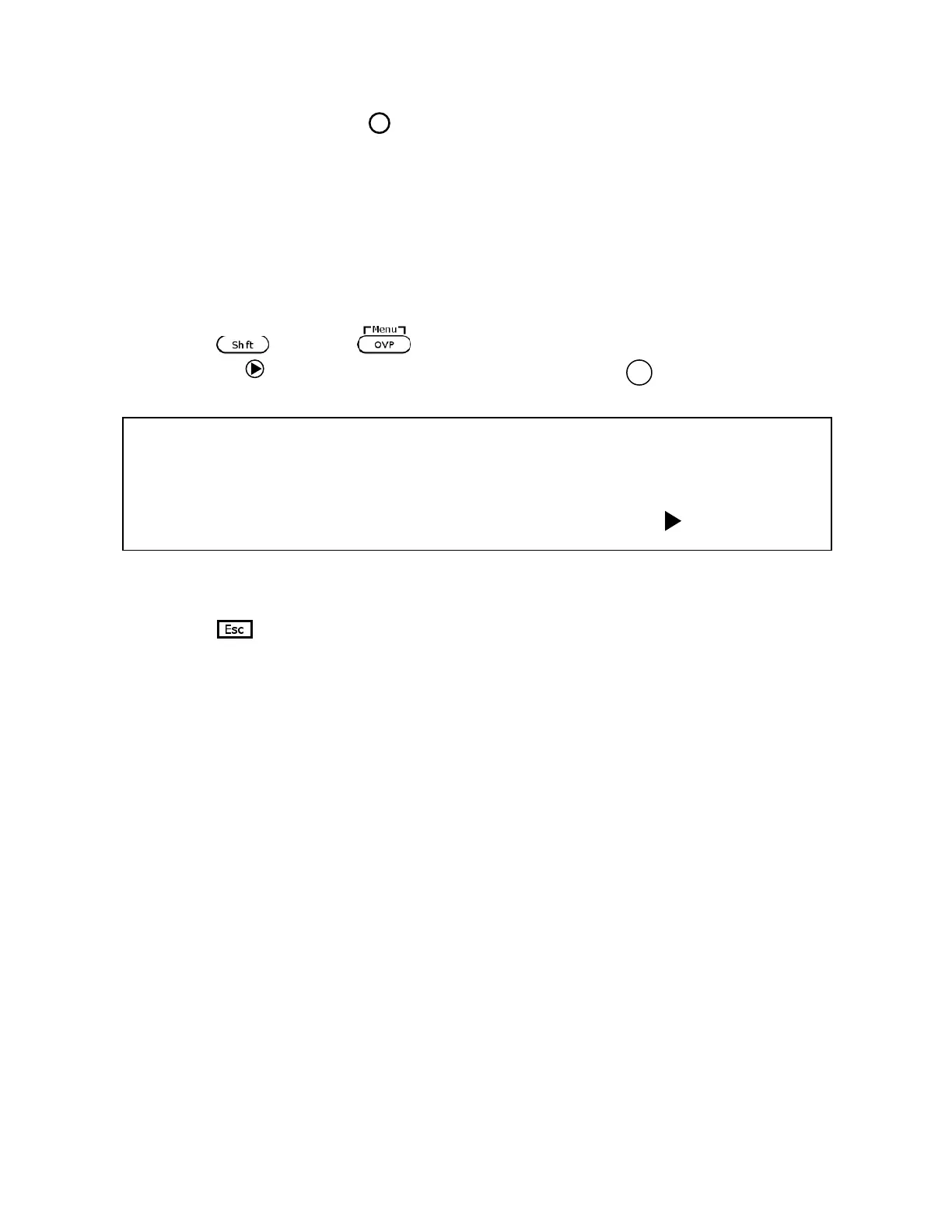
1. Press and press to enter the menu system.
2. Press the arrow three times until INFO is blinking. Press , and the display will
show the following screen:
3. The model is shown above as BK 9115/B, and the firmware version is shown as 0.02 –
0.01.
4. Press twice to exit the menu and return to the normal display.











 To Next Page