*Maximum current and voltage setting cannot exceed maximum power configured under P-max setting.
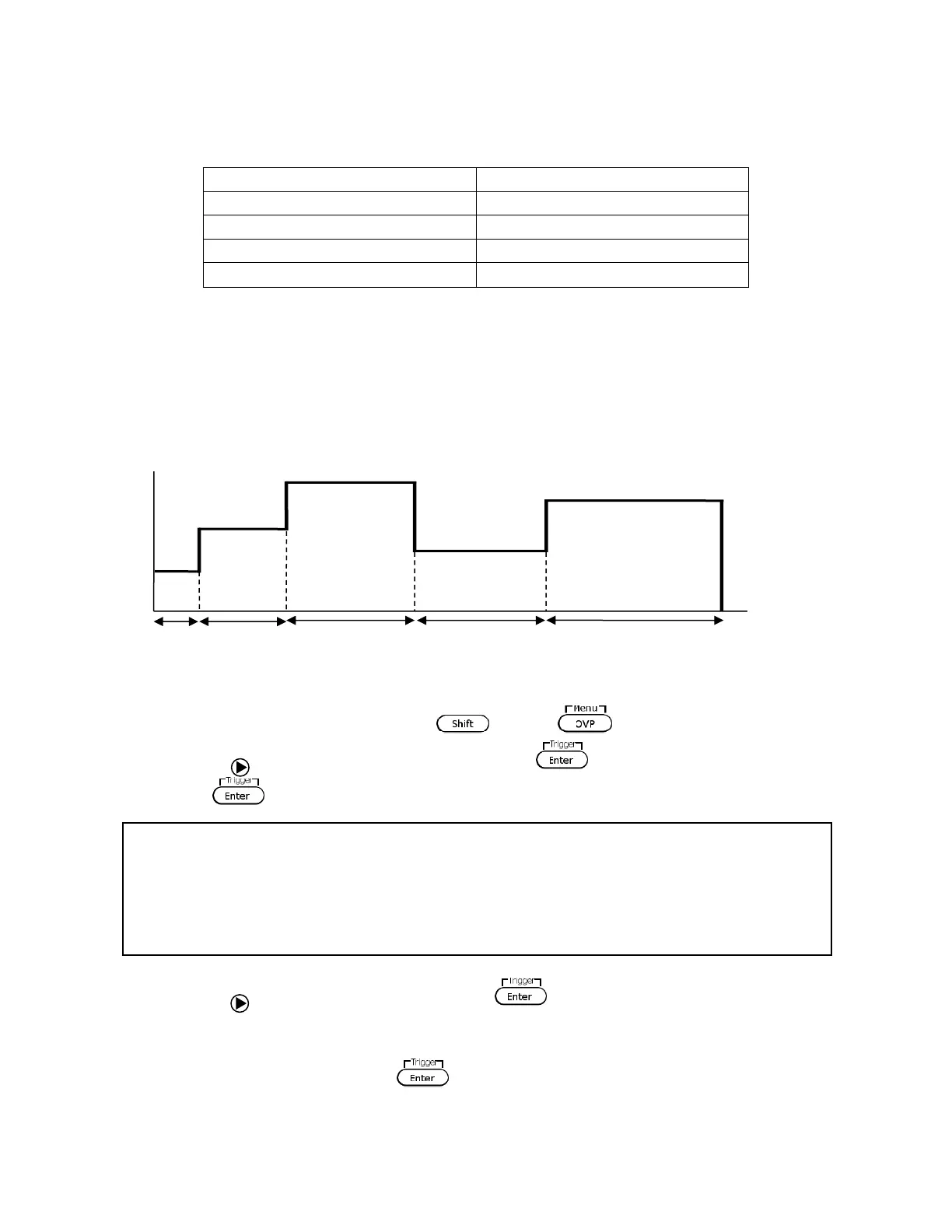
As an example, follow the steps below to set up a sequence with fixed current limit of 1 A, as
illustrated below:
1. Access the main menu by pressing and the .
2. Use the key to select LIST (FUNC. then press twice for model 9115/B-AT) and
press . The below screen will display:
3. Use the key to select EditSeq and press . The display will say EDIT SEQ and an
entry for Seq Name: is displayed.
4. Use the current adjust knob or the numeric keypad to select any number between 1 –
10 to edit its sequence. Press . Now, the following screen will display:











 To Next Page