EasyManua.ls Logo

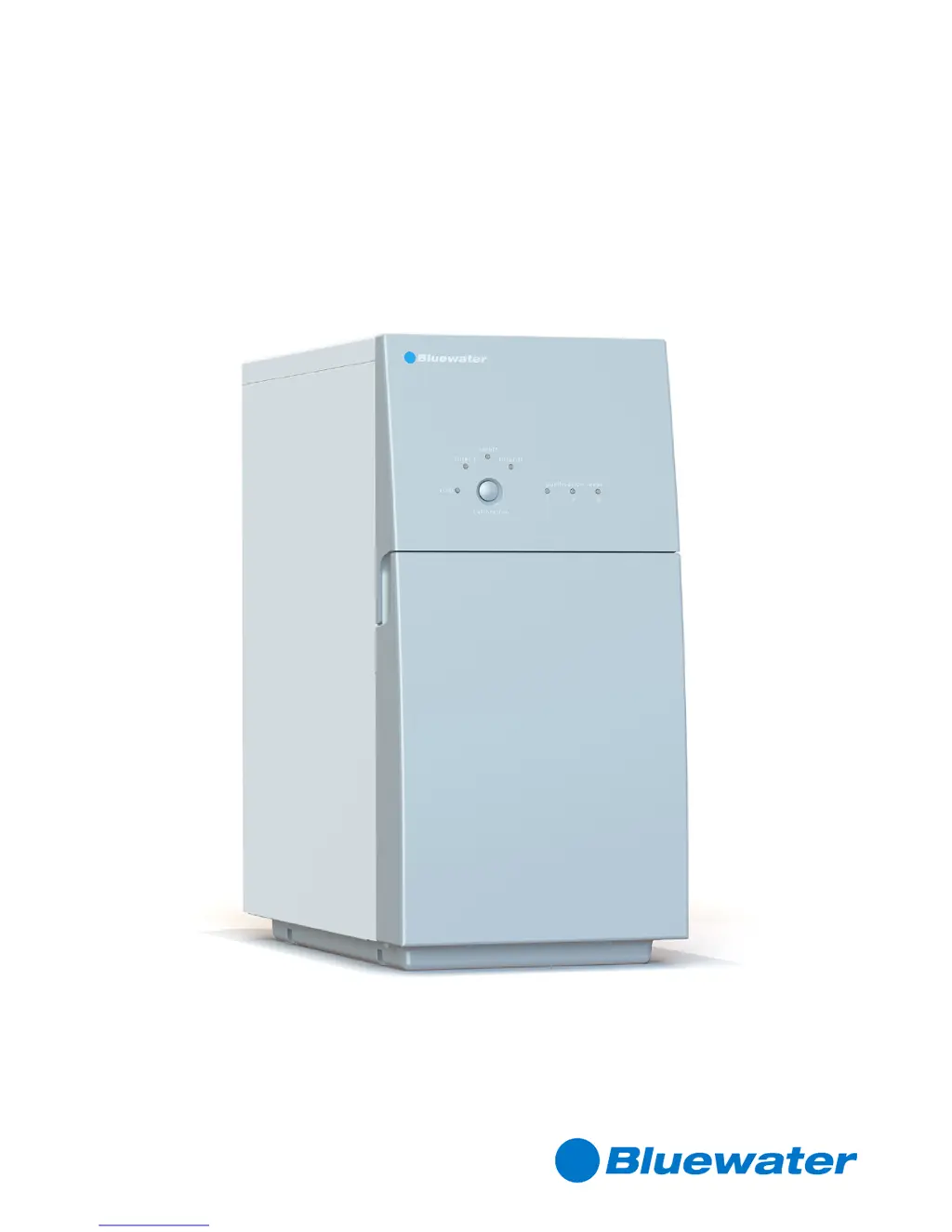
Bluewater Pro - User Manual

Bluewater Pro
32 pages
Print Icon
To Next Page IconTo Next Page
Loading...
PRO
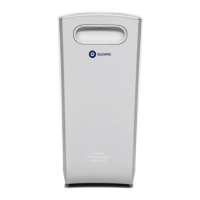
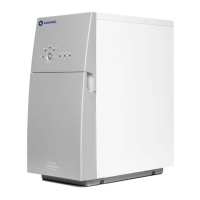
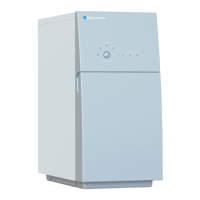
Water purifier
Document No 822901697 Revision BB1619
© Bluewater Group 2016
Complete User Manual

Other manuals for Bluewater Pro

Questions and Answers

  • M
    Michael AcevedoSep 8, 2025
    Why does the water from my Bluewater Water Filtration System smell bad?
    • R
      Randy ReyesSep 8, 2025
      If the water from your Bluewater water filtration system smells bad, it could be due to microbial growth because the water purifier hasn't been used for a week or longer. No answer.
  • B
    bhughesSep 12, 2025
    What to do if the leak protection has been activated in my Bluewater Water Filtration System?
    • S
      Susan BarnesSep 12, 2025
      If the leak protection has been activated in your Bluewater water filtration system, find the leaks and repair them.
  • B
    Benjamin ReeseSep 13, 2025
    How to solve feed water pressure too low in Bluewater Water Filtration System?
    • L
      Lori DodsonSep 13, 2025
      To address low feed water pressure in your Bluewater water filtration system, install a pump with increased pressure for the feed water. Also, check the parts affecting feed water pressure, such as the water line, coarse filter, and any extra pre-filters.
  • W
    wsmithSep 15, 2025
    What to do if calibration not carried out correctly on Bluewater Water Filtration System?
    • P
      Pamela ShannonSep 15, 2025
      If calibration was not carried out correctly on your Bluewater water filtration system, calibrate again. No answer.
  • M
    Melanie CarpenterSep 17, 2025
    What to do if the tap has been on for more than 15 minutes and the Bluewater Water Filtration System Pro 400B has stopped?
    • M
      Maria HaydenSep 17, 2025
      If the tap has been left on for more than 15 minutes and your Bluewater Water Filtration System Pro 400B has stopped, turn off the tap and wait at least 30 minutes. Also, disconnect the water purifier from power, reconnect it to start the automatic flush, and then restart the water purifier.

Summary

INTRODUCTION

Safety information

Detailed safety guidelines, warnings, and precautions for operating the water purifier.

SYSTEM OVERVIEW

Leak protection system

Explanation of the leak sensor functionality and water supply interruption.

Low pressure protection

Details on the low pressure protection feature and manual restart procedure.

INSTALLATION

Position Pro

Guidelines for correctly positioning the water purifier in its installation location.

Install clean water faucet

Step-by-step instructions for the installation of the clean water faucet.

Install feed water connection

Procedure for connecting the water purifier to the cold water supply.

Install drain water connection

Instructions for properly connecting the drain water tubing.

Connect water purifier

Final steps and connections required to set up the water purifier.

After installation

Flush Pro

Procedure for flushing the water purifier after installation or maintenance.

Calibration

Calibration

Detailed steps for calibrating the water purifier to optimize performance.

MAINTENANCE

Repair leaks

Step-by-step guide for identifying and repairing leaks within the system.

Descale

Detailed instructions and precautions for performing the descaling process.

TECHNICAL INFORMATION

TROUBLESHOOTING

Bluewater Pro Specifications

General IconGeneral
BrandBluewater
ModelPro
CategoryWater Filtration Systems
LanguageEnglish

Related product manuals