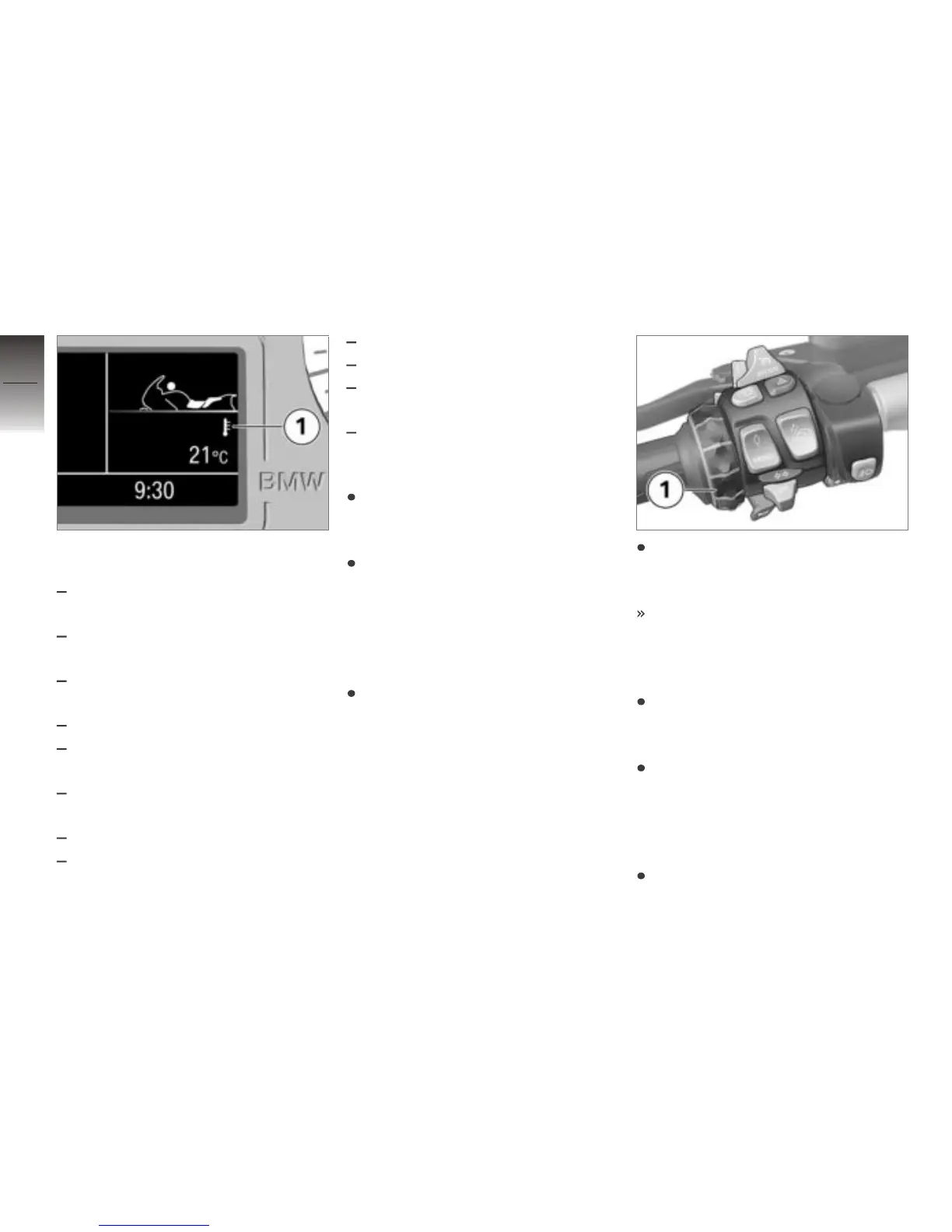
The following items of informa-
tion can be displayed in panel 1:
ØConsump.: average fuel
consumption
Consump.: current fuel
consumption
Range: Range with fuel re-
maining in fuel tank
ØSpeed: Average speed
Temperature: Ambient
temperature
Tire pressure: Tire
pressures
Stopwatch: Stopwatch
Travel times: Travel
times
Date: Current date
Oil level: Engine-oil level
Elec. voltage: electri-
cal system voltage
Off: No reading
Reset average data
Call up the Info menu and
select the average value you
want to reset.
Push the Multi-Controller to
the right and hold it in this po-
sition until the average value is
reset.
Operating stopwatch
Call up the Info menu and
select Stopwatch.
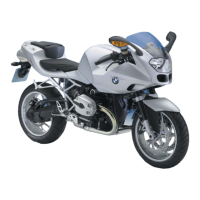
With the stopwatch stopped,
push the Multi-Controller 1 to
the right to start the stopwatch.
The stopwatch continues tim-
ing even if you select some
other reading or switch off the
ignition.
When the stopwatch is running,
press the Multi-Controller 1 to
the right to stop it.
Press and hold the Multi-Con-
troller 1 to the right to reset
the stopwatch.
Measuring travel times
Call up the Info menu and
select Travel times.
4
58
z
Operation


 To Next Page