3.0 Introduction
The Lemur series printers are direct thermal ticket printers that may be purchased with optional integrated
cutting mechanism and LCD display. This manual will provide the user with general information regarding
printer set-up, configuration and troubleshooting. Please read the important safety information section before
installation is conducted.
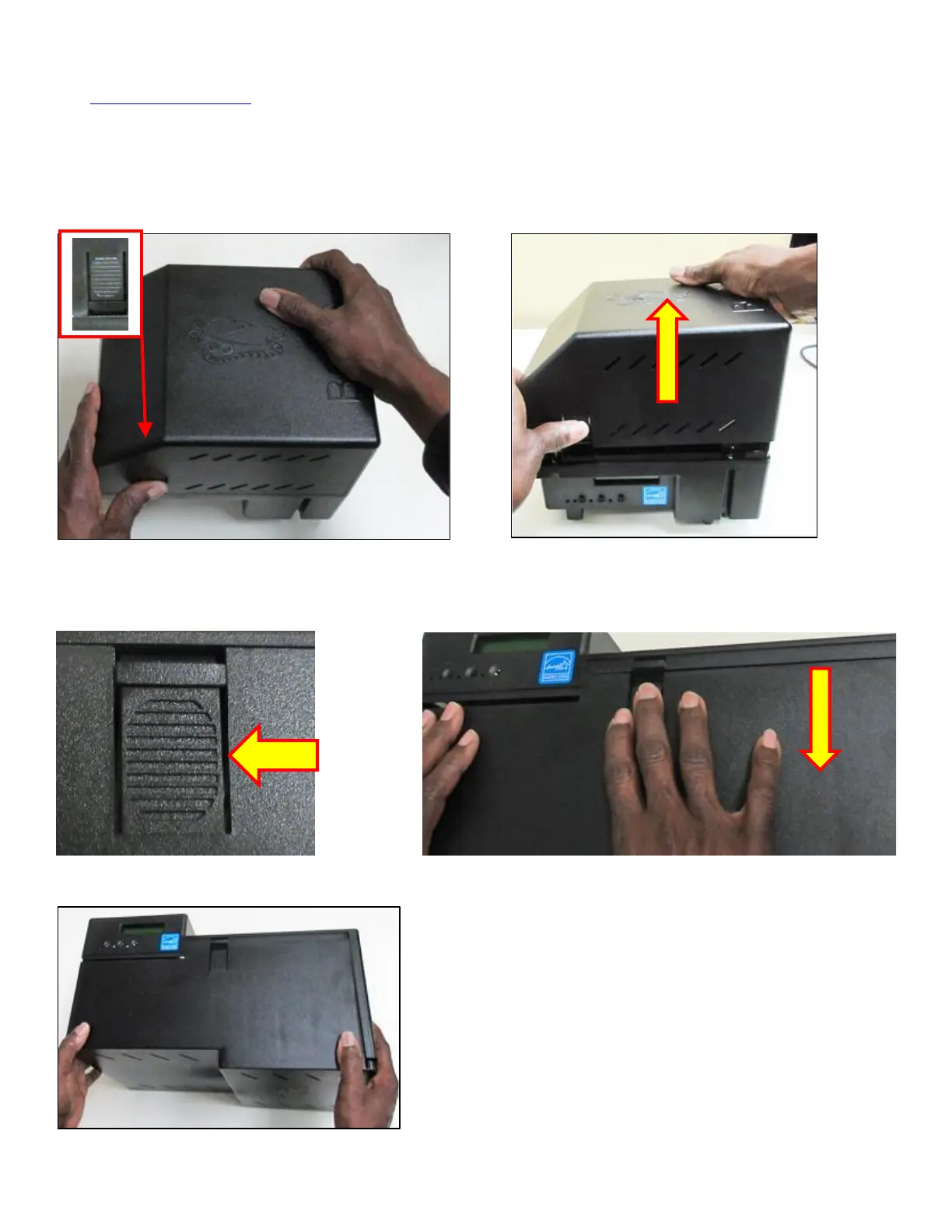
Lemur and Lemur-K The cover may be removed in the following manner.
Depress the locking tab on the side of the printer. With two hands lift straight up on the cover to remove.
Lemur-S The cover may be removed in the following manner.



 To Next Page