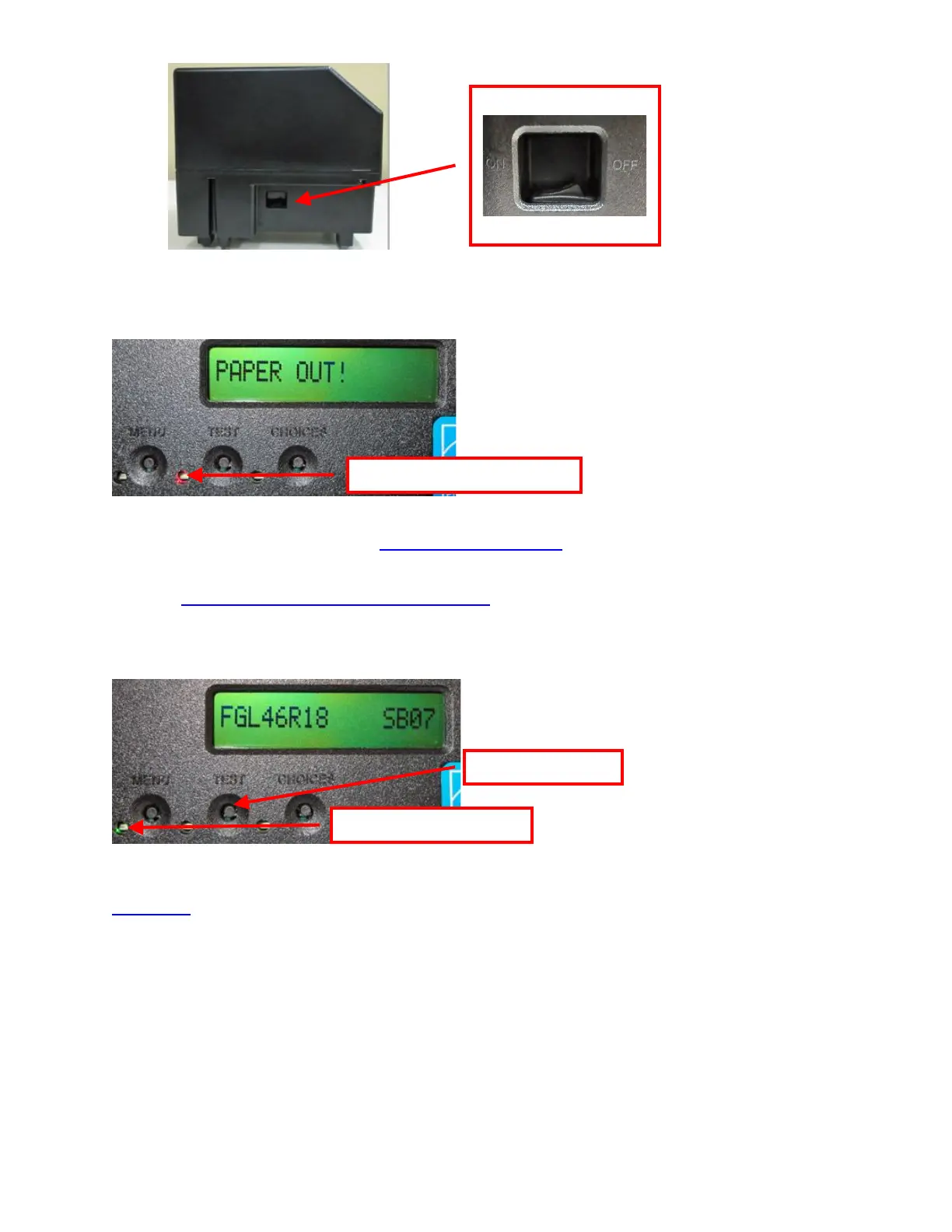
o Lemur or Lemur-K
• The LCD (is so equipped) will display PAPER OUT and the red CHECK PAPER led will be illuminated. You will
hear the cutter motor cycle if the printer contains a cutter.
• Begin loading tickets into the paper guide entrance slot with a smooth motion until the printer takes the media and
automatically positions it. See section 6.0 Media Load Procedure.
NOTE: You want to make sure that the black timing mark is in the correct location before loading the tickets into the
paper path. See www.bocasystems.com/tickets_specs.html for black mark layout specs.
• After the ticket is automatically positioned (the green READY led will be illuminated), press the TEST button
located on the control panel to print a test ticket. The next page shows sample self-test ticket printouts.
• Verify that the printer properly works with your system by issuing a ticket through your computer system. You
may also use our customer-based program to test the printer independently of your ticketing system (see
Appendix F)
You may now install the printer in its permanent location. Adequate room should be provided behind the printer for
the smooth feeding of ticket stock. Please do not prevent the ticket hopper (horizontal models) from operating by
touching tickets during the printing cycle.



 To Next Page