24
Maintenance
The maintenance menu allows you to see the average value of the current drawn by the motor. It also allows you to reset this counter.
A first threshold has been set to make sure that the normal high limit of current drawn by the motor will not be exceeded.
When that level is reached, the user will get the message DECK MAINTENANCE IS REQUIRED and a diamond sign will be displayed on the
main screen. The message and sign will be displayed between each new exercise. After the maintenance has been done and reset in the
diagnostics menu, the notice will go away until there is a new rise of current.
If the maintenance is not done on the deck surface when required, a second threshold will trigger not too high above the first one. Another
notice with a square sign on the main display will come up. At that point the machine will not start again until the deck maintenance is done
and the maintenance has been reset in the diagnostics menu.
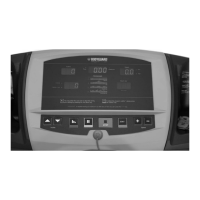
1. In Diagnostics menu, select “MAINTENANCE” and accept it by pressing the JustGo
TM
/ENTER key.
There are two sub menu items: AVERAGE and RESET. Scroll between them with the INCREASE/DECREASE key
and press the JustGo
TM
/ENTER key to accept your choice.
2. If you want to see the average current drawn by the motor simply go into the AVERAGE menu that will display the average current in the
motor from the last time it has been reset. To get out of that menu simply press CLEAR/STOP key.
3. If you have done the maintenance, you need to reset the maintenance counter by accessing the RESET MAINTENANCE menu and enter
that menu and confirm that it has been done. You will then get a message that the “MAINTENANCE COUNTER HAS BEEN RESET”.
4. Press the CLEAR/STOP key to terminate the test.
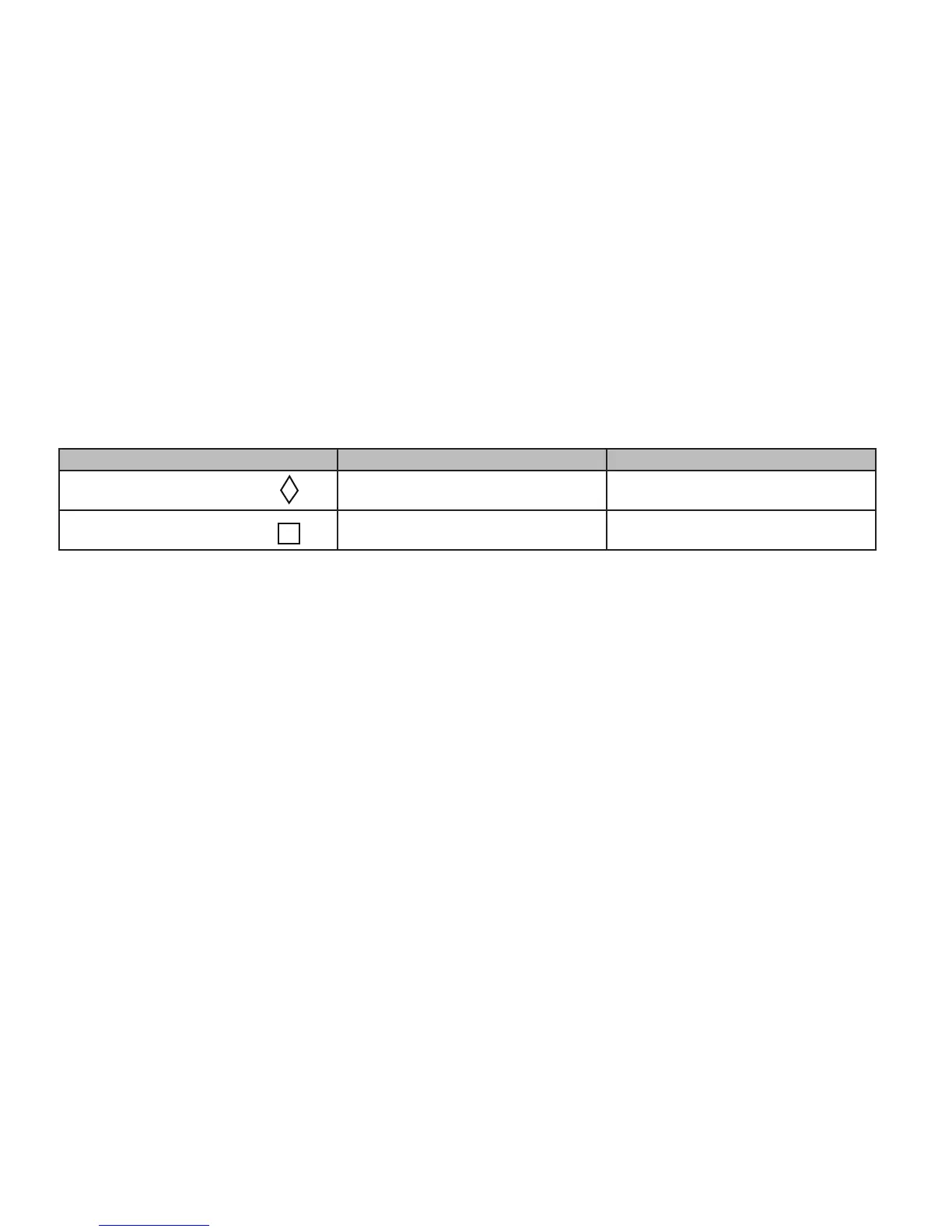
Level of alerts America International
Diamond sign 13,5 amps. 10 amps.
Square sign 14,5 amps. 10,8 amps.
6. Maintenance Information
General Care
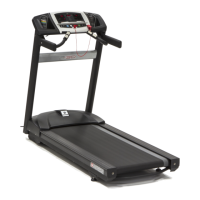
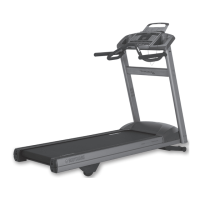
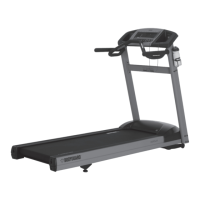
Your T280P–T280C–T300 have been designed and built to give you trouble free use. For maximum safety however, you should periodically
check your unit for signs of wear.
Here’s a quick check list followed by reference Table 3:
• After each workout, you should wipe down your T280P–T280C–T300 using a mild, non-abrasive liquid cleanser applied on a soft cotton
cloth. Do not spray cleansers directly on the unit or use an excessively damp cloth. Do not clean the unit with the power ON,
be sure that it is OFF.
• Be sure that the treadmill is on a level surface and that it is not rocking. Excessive rocking may cause the running belt to track to one side
of the deck resulting in accelerated wear of the running belt.
• Keep liquids including excessive sweat away from the computer console.
• The running belt and deck surface should be kept clean. Dirt and other debris can cause slipping when exercising.
• Check that each handle bar is secure on the frame.
• Do not put any lubricating product other than the Bodyguard
®
lubricant.
• Place a carpet or rubber mat under the treadmill to avoid any build up of debris from your exercise shoes. Under extreme conditions,
some debris may collect on the floor just behind the rear roller. It is also recommended to periodically remove any dust that may have accu
mulated under the treadmill. Excessive amounts of dust may enter into the motor assembly and cause the motor to overheat.
• It is very important to periodically remove any dust that may have accumulated under the motor cover. Use compressed air to blow out the
accumulated dust in the motor and board area.
WARNING – To prevent electrical shock or risk of fire, always turn the power OFF and disconnect the power cord whenever you are
inspecting and repairing your T280P–T280C–T300.


 To Next Page