28
Ancillary Channels
Ancillary channels are represented by the following icon:
Ancillary channels are 'custom' channels, defined by the device manufacturer, to carry additional data (not audio
or video) between devices.
Using Bolin Dante AV devices, the Ancillary channels are USB, IR, Serial (RS-422)
• USB is for remote peripheral controls of TX device
• IR for infrared control of TX device from the RX end
• Serial is for Visca RS-422 control of standard PTZ camera from the RX end with compatible controller
Ancillary channels are typically low bandwidth (compared to audio and video channels). Some ancillary channel
types cannot be added to multicast transmit flows.
Dante Controller presents two main types of view: Network View and Device View.
Network View
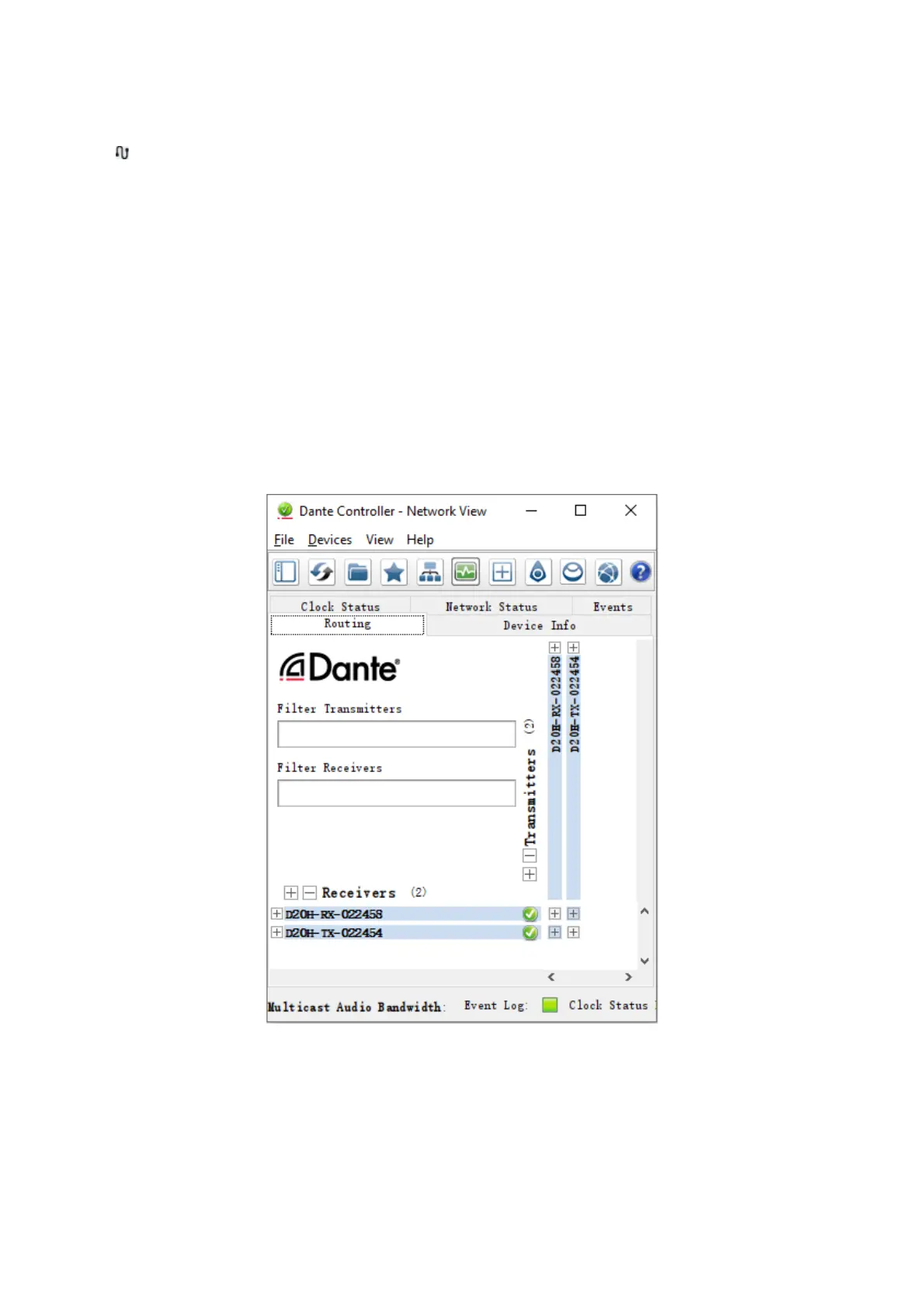
A typical Network view for a network that includes Bolin video devices (with four types of ancillary channels) is
shown below.


 To Next Page