Redundant device successfully subscribed
on primary only via unicast. This is typically
seen when the secondary interface is not
connected
■
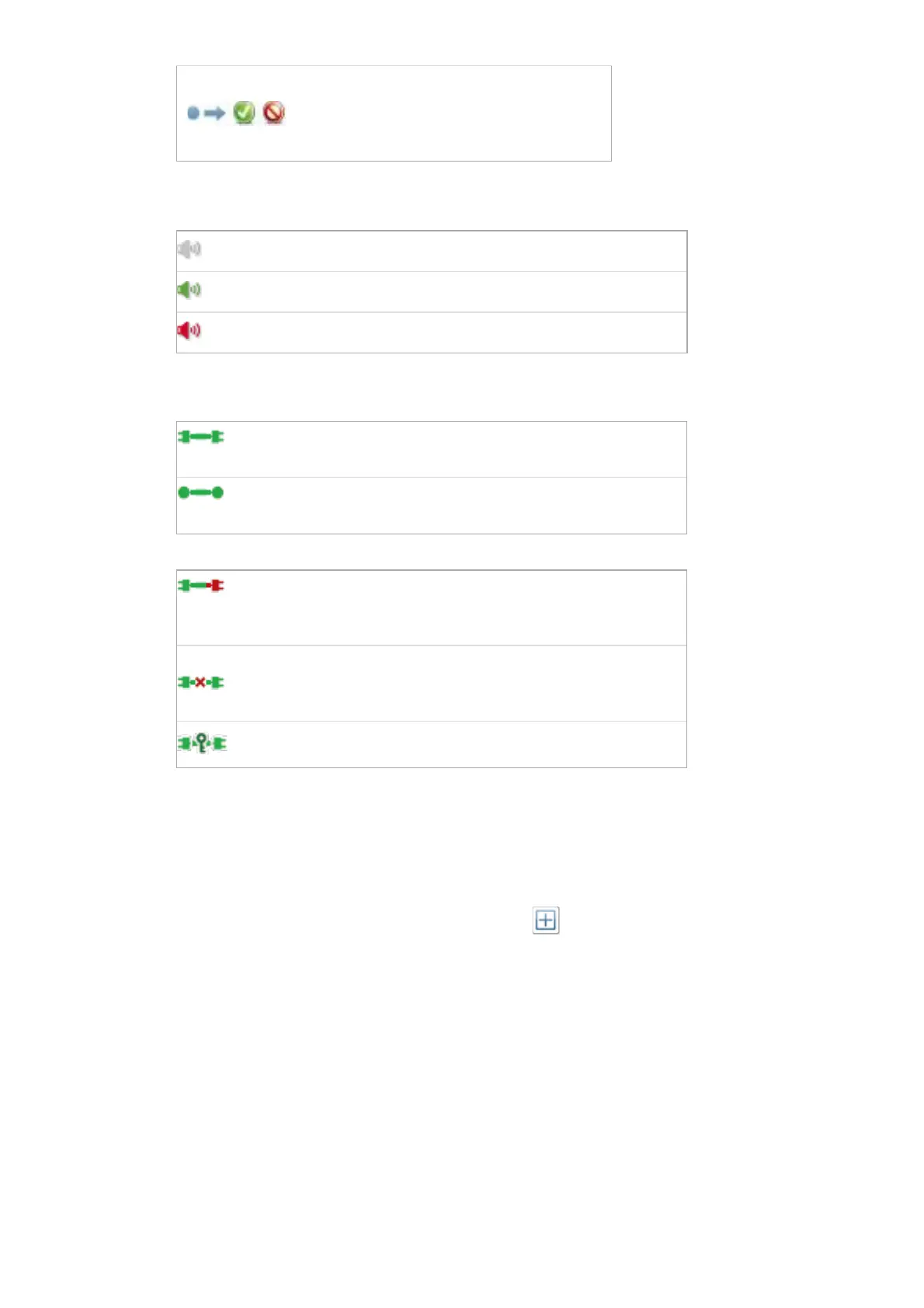
Signal: Supported devices will also show the following channel metering icons, indicating the
presence of audio on subscribed channels:
Channel is either muted, or receiving audio at less than -61dbFS
Channel is receiving audio between -61dbFS and 0dfFS
For video, ancillary and privately encoded audio channels, supported devices may also show variation of
the following status icons in the Signal column:
The signal path (across the network) is good, and there are no
external connectivity problems detected
The signal path is good, but Dante Controller cannot ascertain if
there are any external connectivity problems
The signal path is good, but the Rx device does not support the
signal (for example, because the signal is HDCP and the Rx
device is not HDCP-enabled)
Indicates a signal problem such as an incompatible video
codec, or the Dante subscription is unresolved. Refer to the
subscription status icon for further information.
The signal path is good, and the signal is encrypted
Available Channels
The Available Channels pane lists the devices and advertised channels available on the network.
Devices that are greyed out indicate that this receiver cannot subscribe to those channels or devices.
This is typically because of a mismatch in parameters (e.g. sample rate incompatibility etc.), or because a
device cannot route media to itself.
For devices with many channels, you can click the Channel Groups button to group available
channels into sets of 16.
Transmit Tab
The Transmit tab is used to inspect and modify the transmit configuration of a device.


 To Next Page