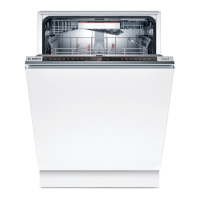
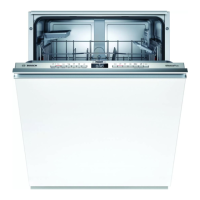
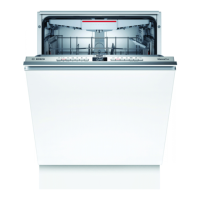
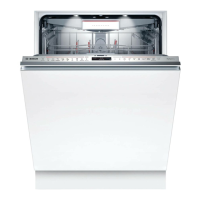
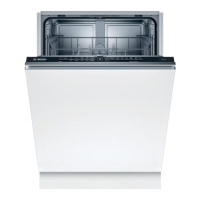
Get to know your deviceNL
9
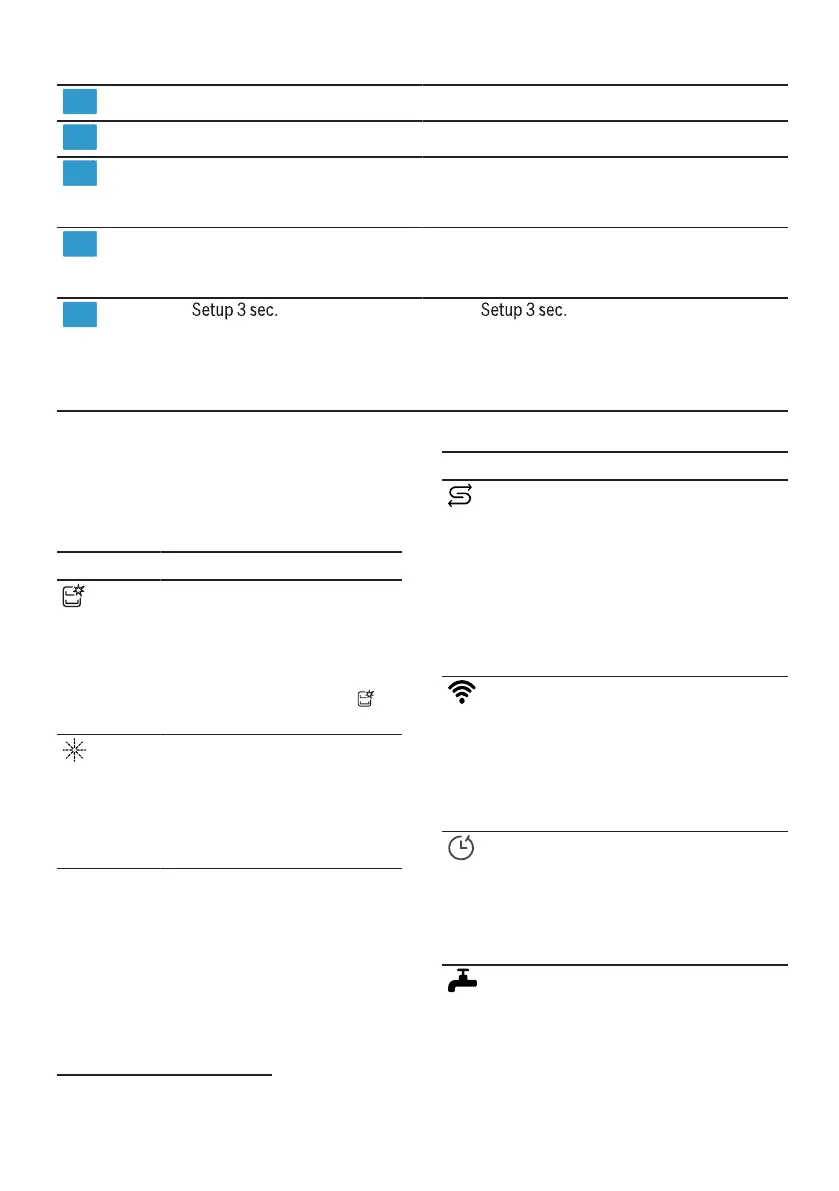
Water supply indication
Door handle1
Water supply indication
Open the appliance door.
10
11
Refill salt indicator Softening system
→
"Filling with softening salt",
page 28
12
Rinse aid refill indicator Final rinse system
→
"Filling with rinse aid",
page 29
13
Test If you
is pressed, the basic settings are
opened.
→
"Changing basic settings",
page 42
approx. 3 seconds
1Depending on the device version
Symbols on the display1
Symbol Description
Depending on the device version, the
display shows the following symbols. Find
the explanation for this.
If the refill softening salt
indicator lights up on the
display, fill in the
softening salt
the water softening salt
container immediately
before the program start.
→
"Filling with softening
salt", page 28
Symbol Description
If the machine symbol
appears on the display
maintenance is on, then
perform machine
maintenance.
→
"Machine cleaning",
page 45
If the device has a
wireless WLAN
home network is
connected, the symbol
lights up on the display.
→
"Home Connect ",
page 42
If the rinse aid refill
indicator lights up on the
display, refill rinse aid.
→
"Filling with rinse aid",
page 29
If you have activated the
time preselection, the
symbol lights up on the
display.
→
"Make time setting",
page 36
If a fault occurs with the
water supply or water
drainage, the symbol
lights up or flashes
1Depending on the device version
17



 To Next Page