ServiceNL
3. impressions.
aThe time setting is activated.
2. impressions.
aThe program is saved
and the device turns off.
Tip:You can deactivate the time setting by
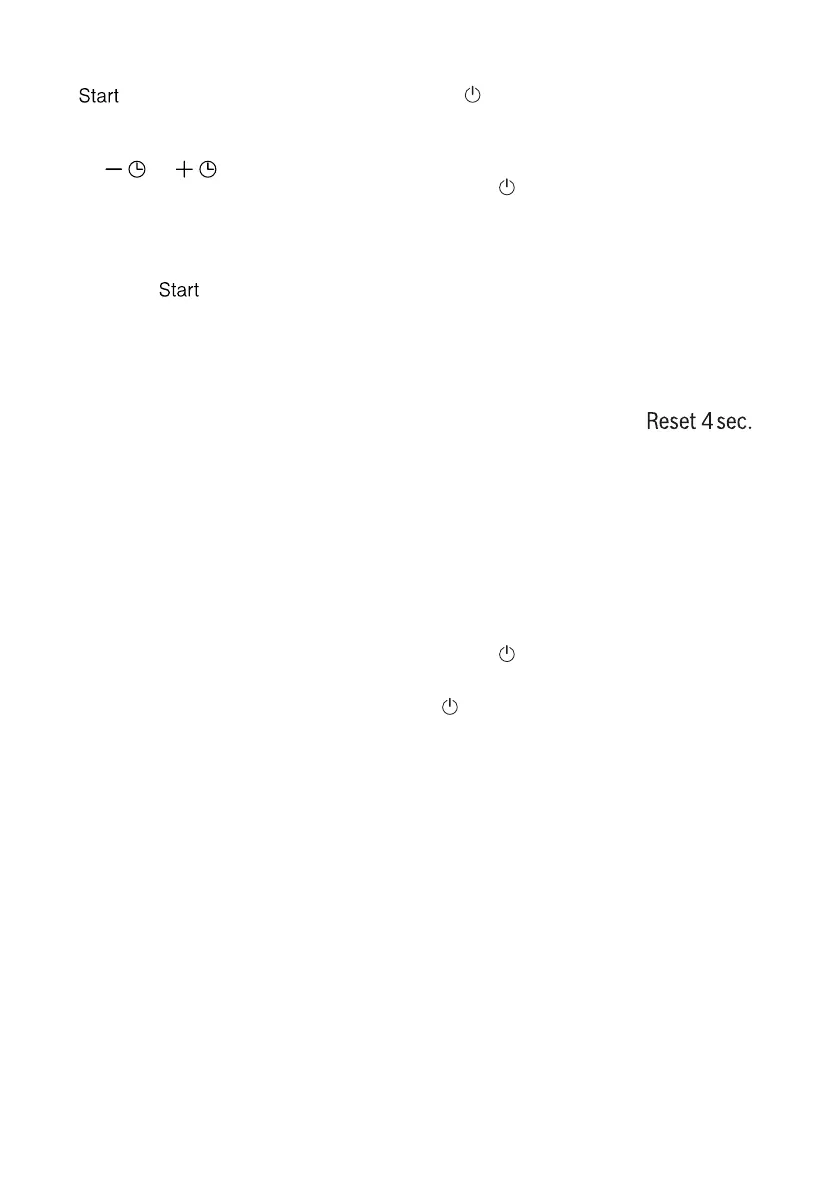
pressing or just as often
until "00h:00m" appears on the
display.
3.Press to continue the program.
4.Close the appliance door.
14.5 Start program
14.7 Cancel program
▶ Press .
aThe program has ended when
down the display shows
"00h:00m".
To end a program prematurely or
change a started program, you must
cancel the active program.
1.Open the appliance door.
Comments
¡If you want to add dishes
While the appliance is already
running, do not use the tablet tray
as a handle for the upper crockery
basket. This may cause you to
encounter the partially resolved tab.
¡You can already
change by aborting the program.
→
"Cancel program", page
37
¡It is to save energy
appliance switches off automatically 1
minute after the end of the program.
If you open the door immediately
after the program ends, the appliance
switches off after 4 seconds.
2.Approx. Press for 4
seconds.
3.Close the appliance door.
aThe program is aborted
and is closed after approx. 1 minute.
14.8 Switch off device
1.Instructions for safe use →
Page
10
consider.
2.Press.
Tip:If you press during the washing cycle
button, the running program is
interrupted. When you switch on the
appliance, the program will continue
automatically.
14.6 Interrupt program
Remark:If you open the appliance door
when the appliance has heated up, it is
best to leave the appliance door ajar
for a few minutes and then close it. In
this way you prevent overpressure
from developing in the device and the
device door from opening.
1.Open the appliance door carefully.
37



 To Next Page