NLHome Connect
15.2 Change basic settings
To use Home Connect, you must first
establish a connection to the WLAN
home network (Wi-Fi1) and can be
configured with the Home Connect
app.
Tip:Connect your device to a mobile
terminal. You can make all settings
comfortably via the Home Connect
app.
The Home Connect app guides you
through the entire registration
process. Follow the instructions in the
Home Connect app to make the
settings.
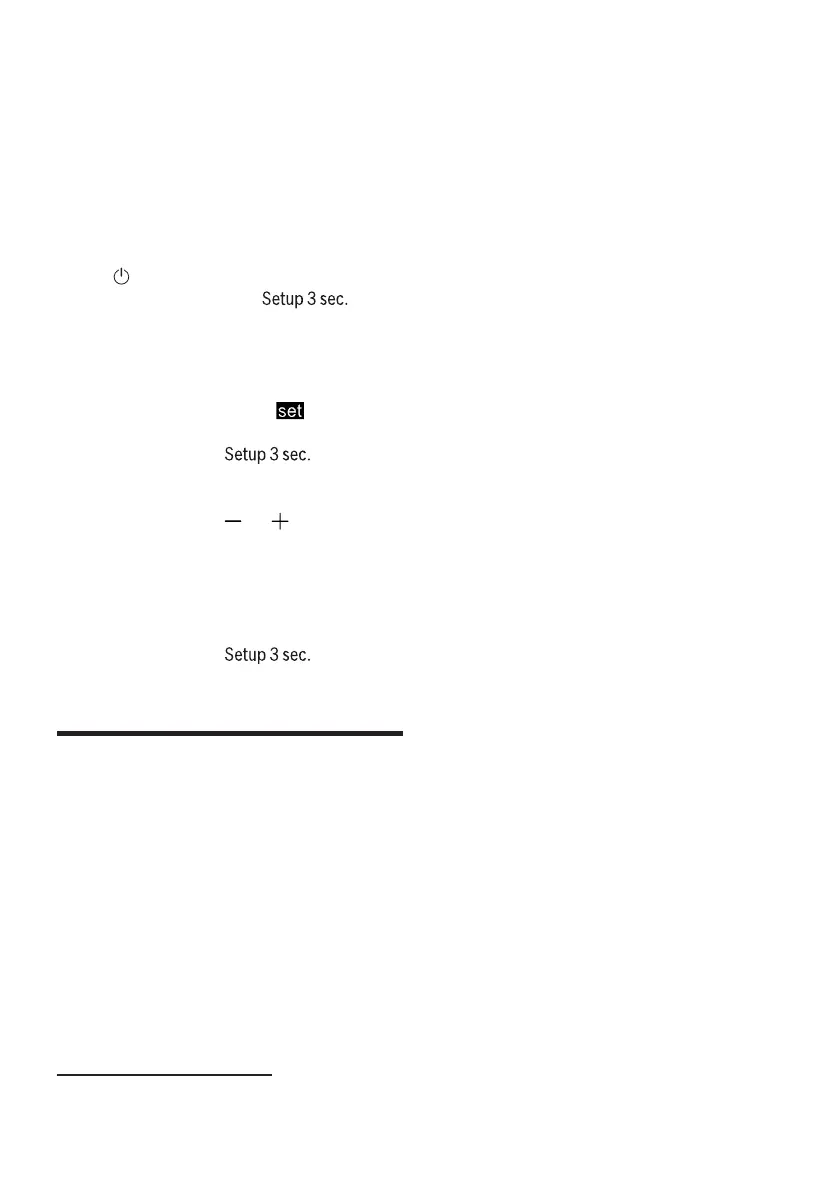
1.Open the appliance door.
2.Press.
3.Approx. 3 seconds on
to open the basic settings.
Busy-
Tips
¡Take the supplied documents
of Home Connect. ¡Also take the
directions
the Home Connect app.
aThe display shows H:xx
to give.
aThe display shows
to give.
display
Remark:Please observe the safety
instructions in these instructions for
use and ensure that they are also
adhered to when operating the
appliance via the Home Connect app.
→
"Safety", Page 4
4.Just as often
until the display shows the desired
setting.
to press
5.Press or repeatedly until the display
shows the desired value.
You can change several settings.
6.To save the settings, press for
approx. 3 seconds to press.
7.Close the appliance door.
H1Uncle Connect 6 Home Connect
HThis device is network-enabled.
Connect your device to a mobile
device to control functions via the
Home Connect app.
The Home Connect services are not
available in every country. The
availability of the Home Connect
function depends on the availability of
Home Connect services in your
country. Information about this can be
found at: www.home-connect.com.
Uncle Connect
1Wi-Fi is a registered trademark of the Wi-Fi Alliance.
42



 To Next Page