Basic settingsNL
Basic setting
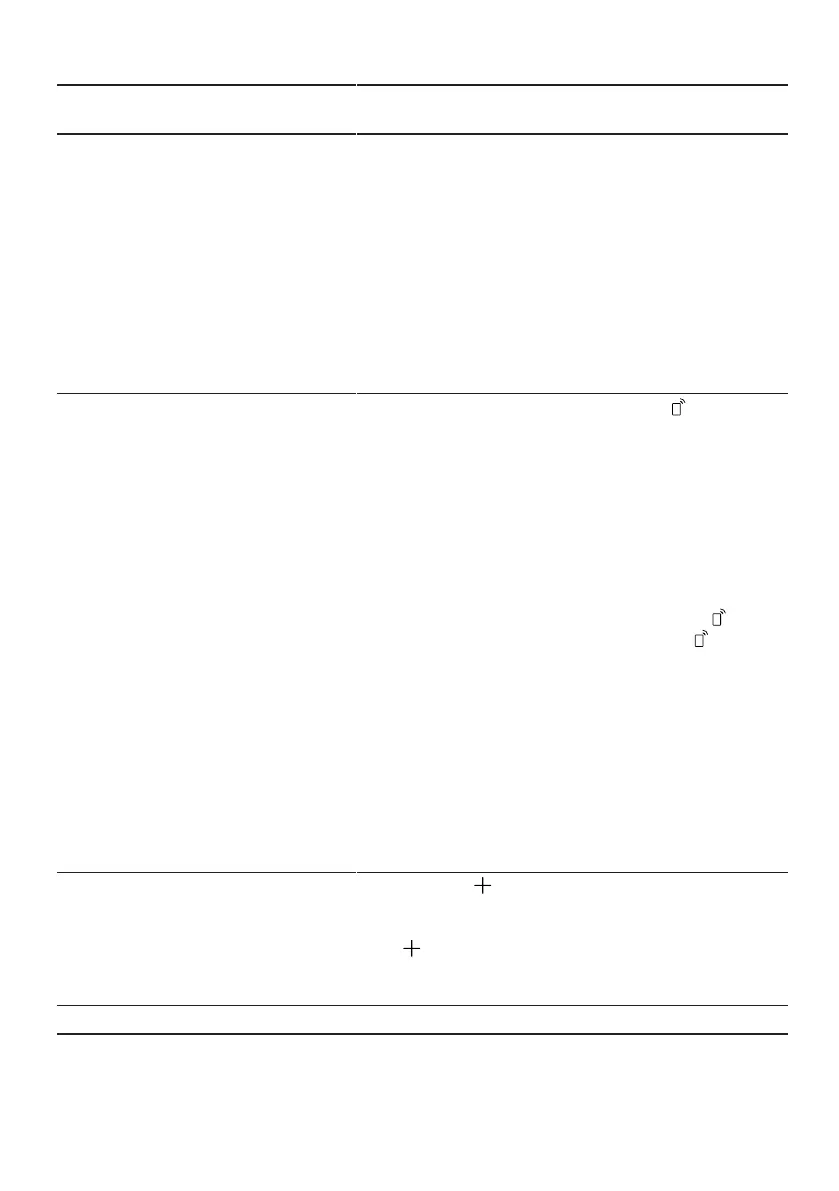
WiFi
Display
text
Choice Description
Cn:00 Cn:00 - Cn:01 Enable or disable wireless
network connection.
When set to "Cn:00", the
wireless network connection
is disabled.
This basic setting is only
available after you have
connected the device with
the Home Connect app.
→
"Home Connect ",
page 42
Remote Start rc:01 rc:00 - rc:02
→
"Remote Start", page 43
activate or deactivate.
The following settings are
possible:
¡When set to "rc:00".
the function is permanently
deactivated.
¡With the setting "rc:01"
the function can be
selected via the button
→
"Remote Start
Run", page 43
¡When set to "rc:02".
the function is permanently
activated.
.
active-
This basic setting is only
available after you have
connected the device with
the Home Connect app.
→
"Home Connect ",
page 42
Factory setting re: Start with
Y:ES
To confirm
of
Restore changed settings
to factory settings.
The settings for the first
start-up must be specified.
1Factory setting (may differ depending on device type)
41



 To Next Page