NLGet to know your device
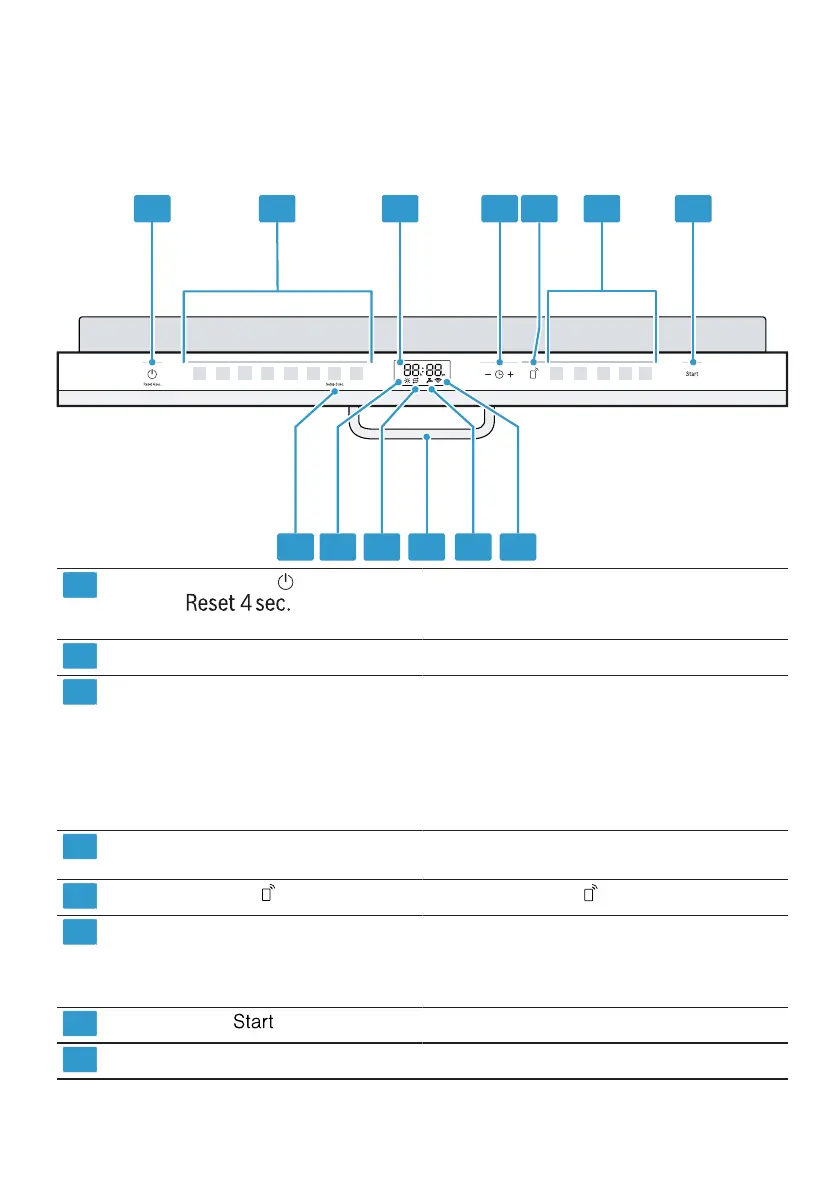
5.2 Controls
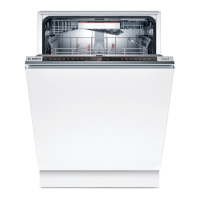
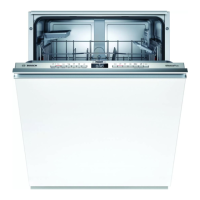
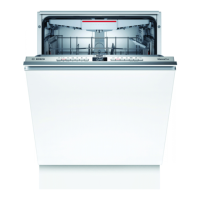
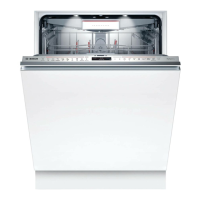
You can use the control panel to set all functions of your device and obtain
information about its operating status.
Some keys allow you to perform different functions.
1 2 3 4 5 6 7
13 12 11 10 9 8
1
ON/OFF button
test
and Reset-
Switch on device →
Page 36
Switch
off device →
Page 37
Cancel program
→
Page 37
2
Program keys
Display
Programs →
Page 19
3
Information about the remaining time
or basic settings is shown on the
display. You can change the basic
settings via the display and the setting
buttons.
→
"Changing basic settings",
page 42
4
Time setting and adjustment buttons
Create time setting →
Page 36
Change basic settings
5
Remote Start
→
"Brake O ", page 43in Start
6
Program keys and extra Programs
→
"
Ext
→
"
functions
Program
ra functions
Additional functions
a's", Page 19
es", page 22
a start →
Page 37
7
Start key
Program
8
WLAN indication
Home Conn ect →
Page 42
1Depending on the a ppacomb design
16



 To Next Page